A video call drops as a family member moves from the study to the terrace. A smart gate responds slowly. Guests ask for the Wi-Fi password, while connected cameras, TVs, speakers, and home controls compete for the same network. For villa owners, flawless Wi-Fi and bulletproof security are not luxury extras. They are the foundation for a home that works reliably, protects privacy, and remains easy to manage.
A large villa presents challenges that a basic router was never designed to solve. Concrete walls, metal finishes, landscaped gardens, outbuildings, multiple floors, and outdoor entertainment areas all affect wireless signals. At the same time, every new connected device can become another point of entry if the network is not designed and maintained correctly.
Why Villas Need a Purpose-Built Network
A home network is often treated as a single internet connection with a few wireless access points added when coverage becomes weak. This approach can produce acceptable results in a small apartment. In a villa, it usually creates inconsistent coverage, slow connections in busy periods, and difficult troubleshooting when something fails.
The correct starting point is a site-specific network design. This considers the villa layout, construction materials, internet service, number of residents, expected guest use, smart home systems, security devices, and future expansion plans. The goal is not simply to show a Wi-Fi signal in every room. It is to deliver stable capacity where people and devices actually use it.
For example, a media room may need reliable bandwidth for high-resolution streaming, while a home office needs low latency for calls and cloud applications. Outdoor access points may be required for a pool deck, garden, gatehouse, or majlis. A garage, staff accommodation, or guest annex may require separate coverage and separate access rules.
Flawless Wi-Fi for Villas Starts With Design
Wi-Fi performance depends on placement, capacity, and configuration. Installing more access points does not automatically improve coverage. Too many poorly placed access points can interfere with one another, creating the same poor experience owners are trying to avoid.
A professional wireless survey identifies where coverage is needed and where structural features may weaken the signal. Access points are then located to provide consistent service through key living spaces, bedrooms, offices, kitchens, and outdoor areas. Wired network connections are used wherever possible for access points, fixed computers, televisions, and smart home controllers. This reduces congestion on the wireless network and improves overall stability.
Coverage Is Only Part of the Requirement
Strong signal bars do not guarantee good Wi-Fi. A network must also handle the number of connected devices and the type of activity taking place at the same time. A villa may have dozens or even hundreds of connected endpoints, including phones, tablets, laptops, smart TVs, cameras, doorbells, lighting controls, irrigation systems, appliances, and voice assistants.
Quality network equipment can direct devices to the most suitable wireless band, prioritize time-sensitive traffic, and prevent one device or application from consuming excessive bandwidth. This matters when video conferencing, gaming, streaming, and camera recording occur simultaneously.
Internet speed also matters, but it is only one part of the answer. Upgrading a broadband package will not fix poor wireless design, overloaded equipment, or cabling limitations. Before investing in more bandwidth, owners should confirm that the internal network can distribute that capacity effectively.
Guest, Family, Staff, and Smart Devices Should Be Separated
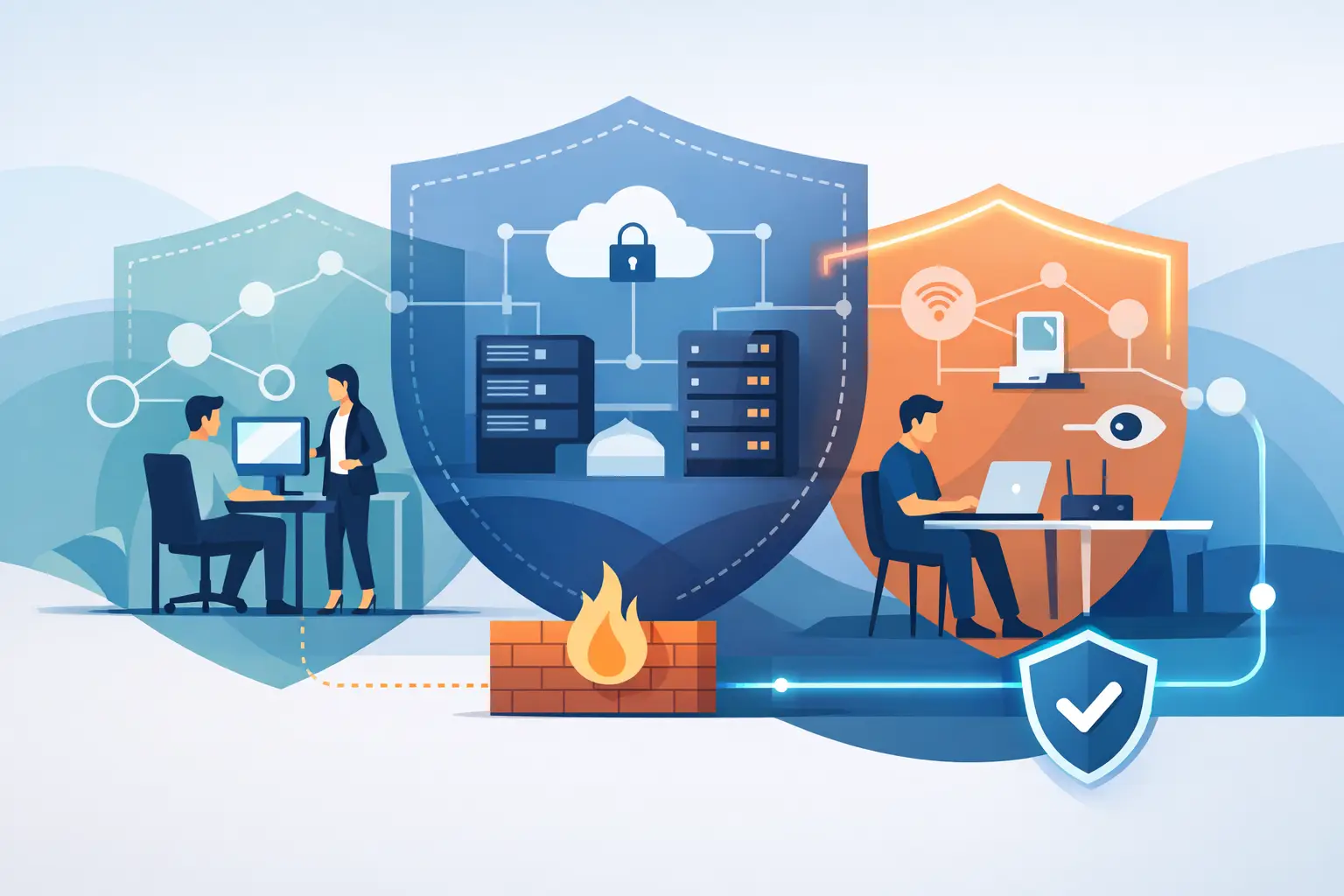
A single shared network is convenient at first, but it creates unnecessary risk and makes performance harder to control. A well-designed villa network separates user groups and devices into secure segments. Family devices can operate independently from guest Wi-Fi, staff devices, smart home equipment, and security cameras.
Guests receive internet access without visibility into private home devices. Staff can connect only to the systems required for their role. Cameras and automation equipment remain isolated from personal laptops and mobile phones. If one connected device is compromised, segmentation helps limit how far an attacker can move within the network.
This structure also makes the home easier to manage. Guest access can be changed or removed without affecting the family network, and smart devices can be monitored without exposing private data.
What Bulletproof Security Means in a Connected Villa
No technology provider can honestly promise that a system will never face a threat. Bulletproof security for villas means building multiple layers of protection, monitoring the environment, and responding quickly when something needs attention.
The first layer is a properly configured security gateway or firewall. It controls traffic entering and leaving the villa, blocks known malicious activity, and applies rules based on the needs of the household. It should be configured for the property rather than left on default settings.
The next layer is secure identity and access management. Strong, unique passwords, multi-factor authentication where available, and controlled administrator access reduce the risk of unauthorized changes. Default passwords on routers, cameras, video recorders, and smart appliances should be replaced during installation. Devices that no longer receive security updates should be reviewed and, where necessary, replaced.
Security Must Include Remote Access
Remote access is useful when owners travel frequently or manage more than one property. It allows them to check cameras, adjust climate settings, review alarms, and support family members from outside the villa. It must also be configured carefully.
Exposing a camera recorder or home controller directly to the public internet can create avoidable risk. A secure remote-access method, protected credentials, and controlled permissions provide a safer alternative. Each person should have access only to the systems they need, rather than sharing one universal login across the household.
The same thinking applies to contractors. Electricians, AV specialists, pool technicians, and automation providers may need temporary technical access. That access should be restricted, documented, and removed when the work is complete.
Protecting Smart Home and Physical Security Systems
Smart homes are more convenient when lighting, shades, HVAC, entertainment, intercoms, gates, and security systems can work together. However, integration must not come at the expense of safety or reliability.
Security cameras, access control, video intercoms, smart locks, and alarm systems should be installed on a dependable network with appropriate power backup. If a power interruption affects the main network cabinet, essential systems should continue operating for an agreed period. The precise backup requirement depends on the property and the role each system plays. A villa with full-time staff and a manned community gate has different requirements from a frequently vacant property.
It is also wise to consider what happens when the internet connection fails. Local camera recording, local automation control, and internal intercom functions may still need to operate. Cloud services offer useful features, but a villa should not become unusable because an external service is temporarily unavailable.
Ongoing Management Keeps Performance Consistent
A network is not a fit-and-forget installation. Devices receive firmware updates, new smart products are added, internet requirements change, and security threats evolve. Without ongoing maintenance, a well-designed system can slowly become harder to support and less secure.
Managed support provides visibility into device health, internet availability, storage capacity, wireless performance, and potential security events. It also provides a clear point of responsibility when an issue affects multiple systems. Instead of coordinating separate internet, camera, automation, and IT vendors, villa owners have one technical partner accountable for the wider environment.
This is particularly valuable for homeowners who travel or own several properties. Remote monitoring can identify issues before they become disruptive, while responsive onsite support is available when physical intervention is required. Documentation also matters: network diagrams, device inventories, access records, and configuration backups help ensure that future changes are completed safely.
A Better Way to Plan Villa Connectivity and Security
Before selecting equipment, define how the villa is used now and how it may be used in the next three to five years. Consider work-from-home needs, guest usage, outdoor living spaces, security coverage, staff access, smart home plans, and possible renovations. A network designed only for the current number of devices can become constrained sooner than expected.
The best solution is rarely the cheapest hardware package, nor is it necessarily the most complex. It is a properly designed system with suitable equipment, secure configuration, clean installation, monitoring, and support that matches the household’s expectations. INSOURCE UAE brings these elements together through network design, cybersecurity, smart home integration, and ongoing technical support.
A villa should feel private and effortless to live in, not dependent on repeated resets, weak signal areas, or uncertain device access. Build the technology around the property and the people who use it, then maintain it with the same care given to every other critical home system.