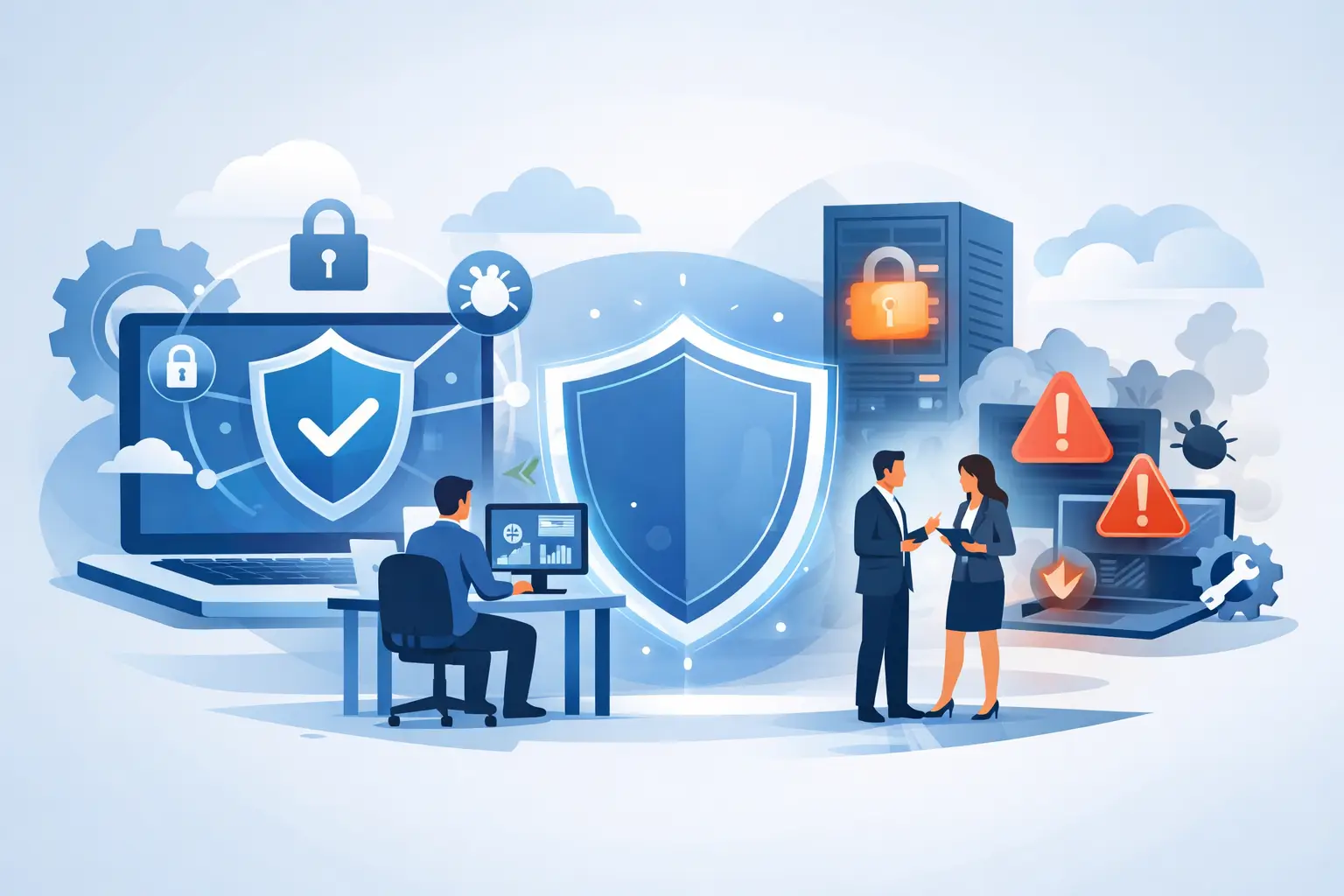
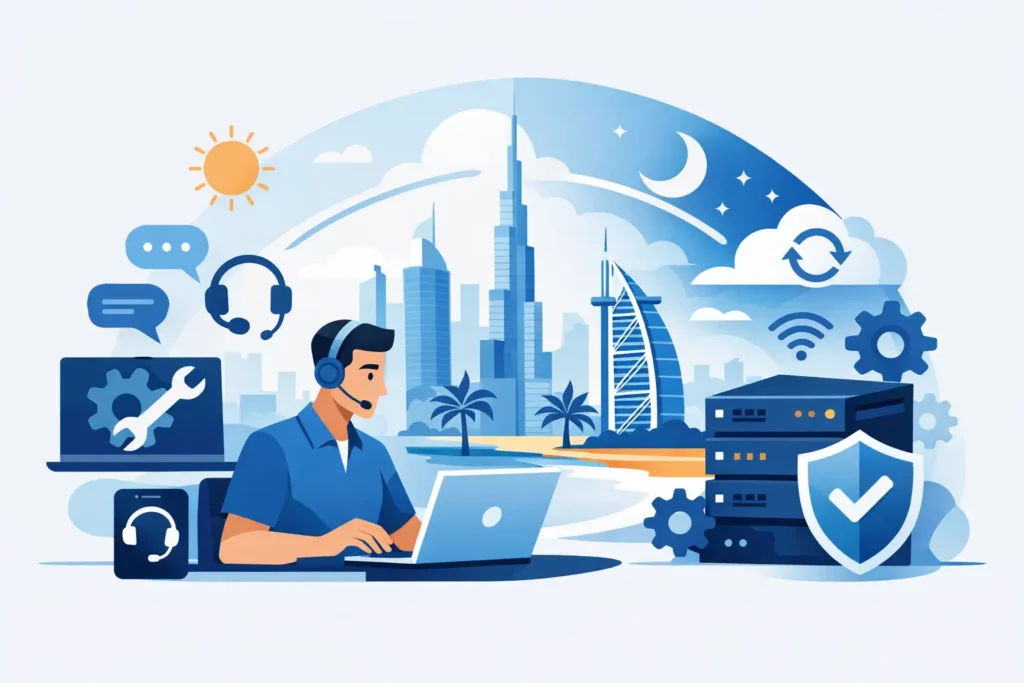
A network failure at 2:00 a.m. can stop far more than internet access. Staff may lose access to cloud applications, guests cannot connect, IP phones go silent, CCTV monitoring is affected, and a security alert may go unanswered. For organizations and property owners that depend on connected systems, 24/7 IT support Dubai is not simply an after-hours help desk. It is a practical way to protect continuity when technology problems cannot wait until the next business day.
Dubai businesses operate across time zones, serve customers outside traditional office hours, and rely on systems that remain active around the clock. The same is true for connected residences, where WiFi, surveillance, access control, and smart automation must work reliably at all times. Effective support combines monitoring, rapid incident response, preventive maintenance, and clear accountability from one experienced technology partner.
Why 24/7 IT support matters in Dubai
Most technology disruptions do not arrive at a convenient time. A failed firewall update, a storage alert, an internet circuit issue, or suspicious activity on a user account can occur overnight or during a weekend. If nobody identifies the problem quickly, a small fault can become a longer outage, a cybersecurity exposure, or a difficult start to the following workday.
Continuous support reduces that risk by creating an active line between your environment and the people responsible for keeping it operational. This includes watching critical devices, reviewing alerts, responding to incidents, and escalating issues to the right technical resource. The goal is not to promise that no component will ever fail. Hardware, providers, and software platforms can all experience faults. The goal is to detect issues early, limit their impact, and restore normal service with minimal disruption.
For a growing business, the value is often measured in avoided downtime. A sales team can continue using cloud tools, a warehouse can maintain connectivity, and remote employees can reach approved resources. For an office, hotel, clinic, or retail environment, stable WiFi, communications, and security systems protect both daily service and customer confidence.
What dependable 24/7 IT support in Dubai should cover
A provider’s definition of 24/7 support deserves close attention. Some agreements only accept tickets after hours. Others provide monitoring but no immediate remediation. A dependable service model explains what is monitored, which issues receive priority, who responds, and when an on-site engineer is required.
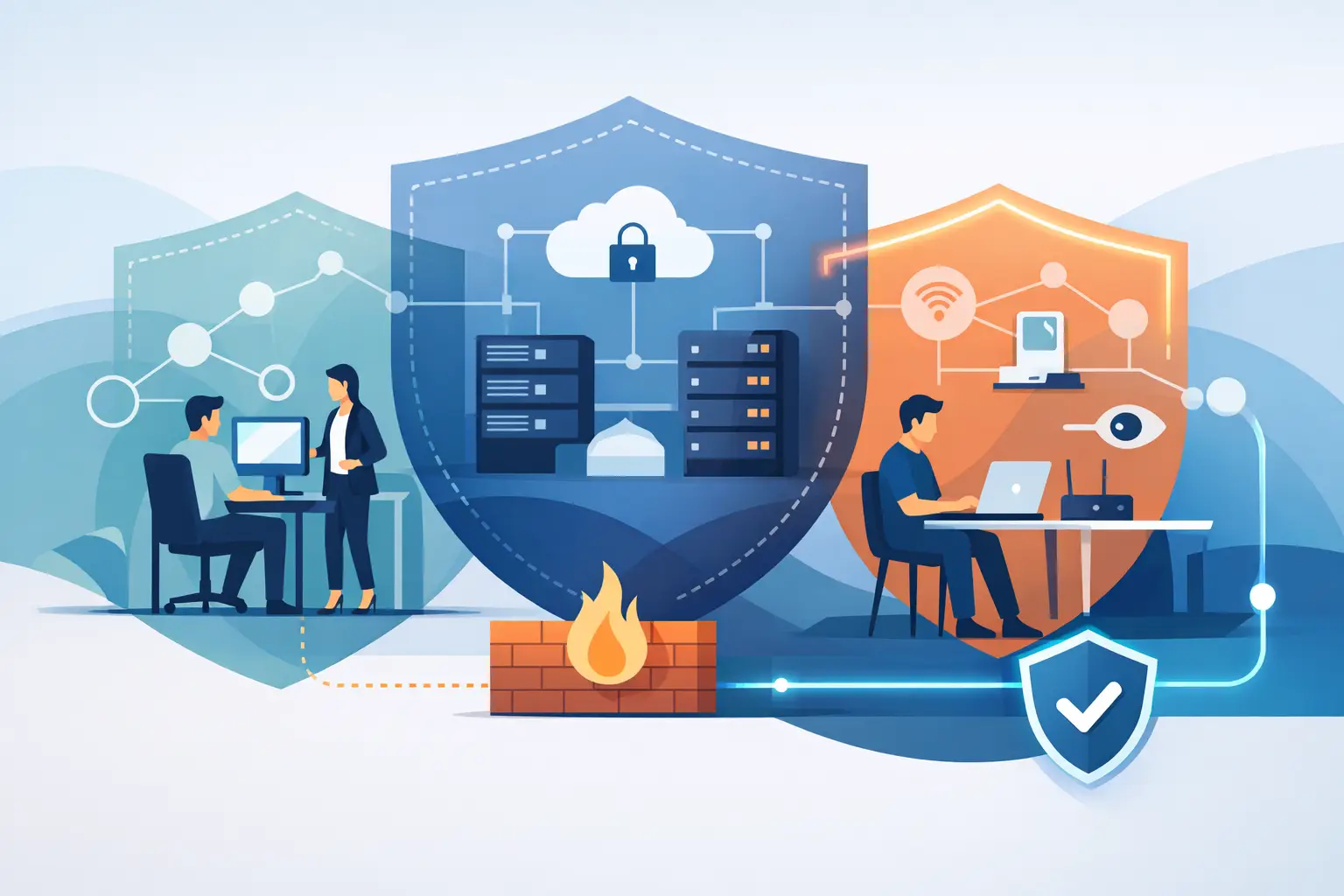
A complete support arrangement should connect the systems that employees, customers, and residents use every day. That normally includes network switches, routers, firewalls, WiFi access points, servers, cloud services, endpoint devices, backups, and IP telephony. If these services are managed in isolation, diagnosing a fault becomes slower because each supplier may point to another system as the cause.
Cybersecurity must be part of the support conversation as well. Around-the-clock operations are exposed to phishing attempts, unauthorized sign-in activity, malware alerts, and vulnerabilities that do not follow business hours. Monitoring should support timely investigation, containment, patch management, secure access controls, and verification that backup systems can be used when needed.
For many Dubai properties, the scope also extends beyond conventional IT. Smart office systems, video surveillance, access control, intercoms, structured cabling, and smart home automation depend on stable underlying connectivity. When these systems are planned and supported together, there is a clearer path to troubleshooting and less risk of fragmented responsibility.
Monitoring is not the same as waiting for a call
Reactive support begins after users report a problem. That remains necessary, especially for issues affecting a specific device or application. However, it is not enough for critical infrastructure.
Proactive monitoring watches for warning signs such as a device going offline, unusual bandwidth use, low storage capacity, failed backups, a weak wireless signal, or rising temperatures in network equipment. An alert gives the support team a chance to investigate before a service interruption affects everyone.
The quality of this process depends on configuration and human judgment. Too many unfiltered alerts create noise and delay meaningful action. Too few alerts leave blind spots. A well-managed environment identifies the systems that matter most, establishes sensible thresholds, and documents the response path for common incidents.
A response model built around business impact
Not every IT request requires the same urgency. A password reset for one employee should be handled efficiently, but it should not take priority over a total network outage, a potential security breach, or loss of telephony across an office. Support should be organized around impact and urgency rather than the order in which tickets arrive.
A useful service process starts with clear categorization. Critical incidents may involve a complete connectivity failure, inaccessible production data, ransomware indicators, or a site-wide voice outage. High-priority issues can affect a department or an essential system with a temporary workaround. Routine requests, such as new user setup or equipment changes, can be scheduled to avoid interrupting more urgent work.
Communication matters during every stage. Decision-makers need to know what has happened, what is being checked, what temporary measures are available, and when the next update will arrive. Technical teams need accurate records of the network, service dependencies, credentials, warranties, and vendor contacts. Without this foundation, even capable engineers lose time gathering basic information during an incident.
INSOURCE UAE approaches technology as a connected operating environment, supporting the planning, implementation, management, and maintenance of infrastructure rather than treating a firewall, wireless network, or phone system as a separate project. This full-stack approach gives clients one accountable team when performance, security, and communications are interdependent.
Support requirements differ by environment
A small professional office may need secure WiFi, cloud access, endpoint protection, backup oversight, and reliable SIP calling. Its priority may be responsive help for staff and a network that can expand as the team grows. A larger organization may require segmented networks, server and cloud management, access policies, multiple sites, redundancy planning, and formal reporting.
Residential support has a different set of expectations. Homeowners want dependable coverage across villas, stable connections for work and entertainment, and smart systems that remain simple to use. A home network may also carry cameras, door access, lighting, climate controls, audio systems, and guest connectivity. Privacy and secure configuration are especially important because the environment contains both personal devices and physical security controls.
In either case, the right design starts with how the space is used. Coverage requirements, number of connected devices, critical applications, remote access needs, and future expansion plans all influence the support model. Buying more equipment than necessary is not a solution. Nor is relying on consumer-grade devices for a high-demand business or large property.
Questions to ask before selecting a support partner
Before committing to a managed support agreement, ask how the provider handles the moments when systems are under pressure. The answers should be specific, not general assurances about availability.
Consider these questions:
- Which infrastructure, applications, and security events are monitored 24/7?
- What are the response and escalation procedures for critical incidents?
- Is support delivered remotely, on-site, or through both methods?
- How are backups tested, patches managed, and cybersecurity alerts investigated?
- Who owns documentation, vendor coordination, and service reporting?
Also ask about the transition process. A support provider should not begin by making unplanned changes to a live environment. First, the team should assess the existing network, identify risks, document assets and configurations, confirm access arrangements, and agree on priorities. This creates a controlled baseline for improvement.
There are trade-offs to consider. A basic support plan may suit a low-risk environment with limited operating hours. A company with remote users, customer-facing systems, regulated data, or multiple locations may need deeper monitoring, faster escalation, and stronger resilience measures. The correct level of coverage depends on the cost of downtime, not only the monthly support fee.
Build continuity before the next incident
The strongest support relationships are built before something fails. They include regular reviews of network health, capacity, security posture, wireless performance, backup status, and upcoming business changes. When a new office opens, a team expands, or a smart property system is added, technology planning should move with it.
Reliable 24/7 coverage is ultimately about confidence: knowing that a qualified team understands your environment, can act when an issue appears, and will keep improving the systems that your people depend on. The most useful next step is to identify the services your operation cannot afford to lose, then make sure their support, security, and recovery plans are designed around that reality.