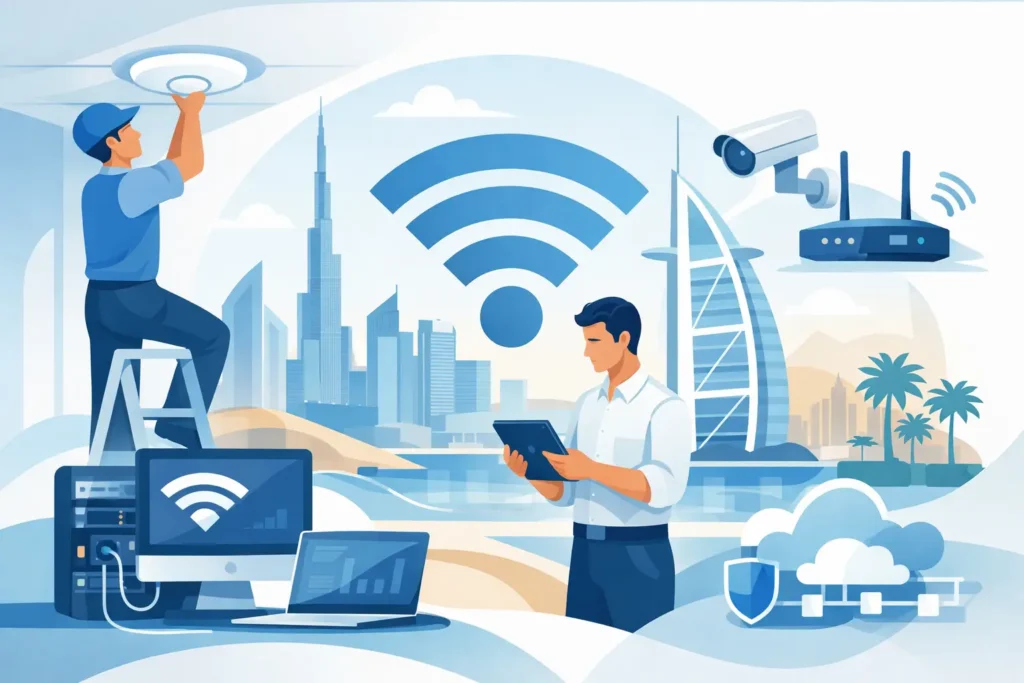
A dropped video call during a client presentation, slow cloud applications at peak hours, or a warehouse scanner that loses connection can expose a network problem that has been building for months. Enterprise WiFi installation Dubai is not simply about placing access points around a building. It is about engineering dependable connectivity for the way people, devices, and operations actually work.
For Dubai businesses and high-value properties, wireless performance has become part of daily operations. Teams collaborate through cloud platforms, guests expect immediate access, mobile devices move constantly, and connected security, automation, and communications systems depend on stable network coverage. A strong design supports all of this without creating unnecessary management or security risk.
Enterprise WiFi Installation Dubai Starts With Design
The most common wireless mistake is starting with hardware rather than requirements. A floor plan can show where walls and rooms are located, but it does not show how many devices will connect at 10:00 a.m., where video calls take place, or which areas require uninterrupted roaming.
A proper wireless assessment considers the building structure, layout, materials, intended usage, and future growth. Concrete, metal, glass partitions, elevator shafts, insulated walls, and dense shelving can all affect radio signals. In villas and larger residences, outdoor areas, staff accommodations, gates, and detached buildings may require coverage that a standard home WiFi setup cannot reliably provide.
In commercial environments, the questions are broader. An office may need strong coverage in meeting rooms and executive areas, while a retail site may need secure payment connectivity, guest access, and stable coverage for inventory devices. A logistics facility might prioritize handheld scanners and uninterrupted movement between zones. Each use case changes the design.
The goal is not to fill every location with the strongest possible signal. Excessive overlap between access points can create interference and poor client behavior. The right approach balances coverage, capacity, channel planning, and roaming performance so devices connect predictably.
Coverage and Capacity Are Different Problems
Coverage answers whether a device can detect and connect to a wireless signal. Capacity answers whether the network can serve every connected device well at the same time. Both matter, but capacity is often underestimated.
A small meeting room with 12 people may appear easy to cover. If every attendee joins a video call, shares files, synchronizes cloud storage, and connects a phone and laptop, that room can place a significant demand on the wireless network. The same is true for training rooms, auditoriums, reception areas, and shared workspaces.
This is why access point selection and placement must reflect expected device density, application use, and traffic patterns. Higher-specification equipment is not always necessary in every area. However, under-specifying busy locations can lead to complaints that no amount of simple troubleshooting will solve.
Build the Network Around Business Priorities
Enterprise wireless should support the wider IT environment, not operate as an isolated system. The wired switching infrastructure, internet connection, firewall, cloud services, IP telephony, and cybersecurity controls all influence the experience users receive.
For example, a fast access point cannot compensate for an overloaded internet circuit or a poorly configured firewall. Likewise, a network designed only for employee laptops may not be prepared for wireless printers, cameras, smart devices, visitors, VoIP handsets, and building automation controllers. Planning the full environment avoids bottlenecks being moved from one point to another.
Separate Users, Guests, and Connected Devices
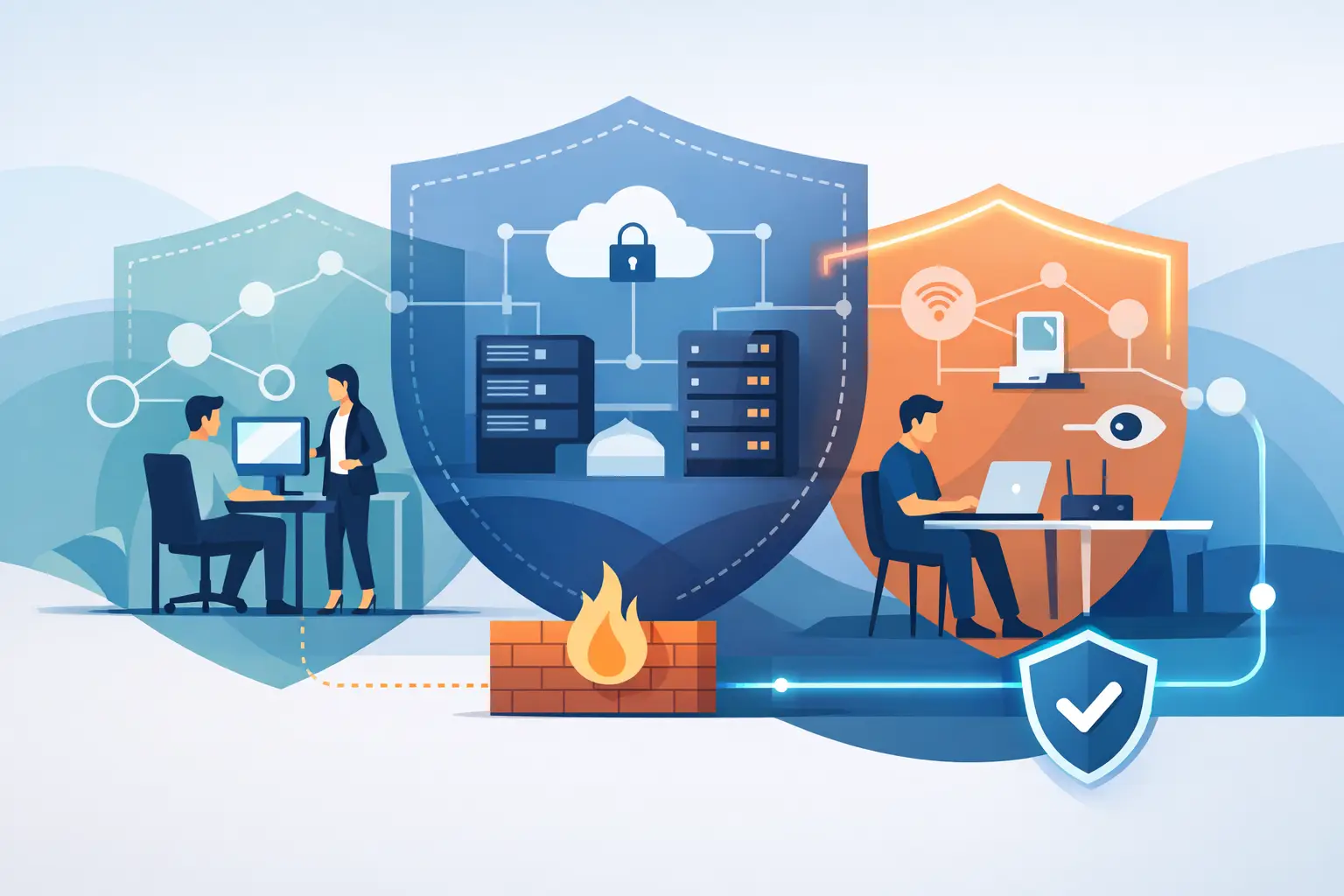
Network segmentation is one of the most practical security controls in a wireless design. Employee devices should not share unrestricted access with visitor devices, smart TVs, cameras, access-control equipment, or Internet of Things systems.
Separate network segments and access policies help contain risk. A guest can use the internet without reaching internal files or corporate systems. Smart office and building devices can communicate only with the services they need. IT teams gain clearer visibility into what is connected and can apply different controls based on the user or device type.
The exact structure depends on the organization. A small office may need a straightforward employee and guest separation, while a multi-site organization may require more detailed segmentation, centralized policies, and identity-based access. The principle remains the same: convenience should not create an open path to critical systems.
Security Must Continue After Go-Live
Wireless security is not completed when the installation team leaves the site. Passwords, software versions, device inventories, and access rules change over time. A network that was correctly configured two years ago may no longer meet operational or security requirements.
Ongoing management should include monitoring, firmware updates, configuration backups, alerting, and periodic review of connected devices. Businesses also need a clear response path when an issue affects users. Waiting for a third-party vendor to investigate a critical connectivity problem can extend downtime and frustrate staff.
This service-led approach is especially valuable for organizations without a large in-house IT department. Rather than managing several suppliers for networking, cybersecurity, and support, they can work with one accountable technology partner that understands the entire infrastructure.
Installation Should Minimize Disruption
A successful deployment requires careful coordination, especially in active offices, hospitality venues, retail spaces, and occupied residences. Cabling, switch capacity, power availability, ceiling access, and mounting locations should be confirmed before installation begins.
Where possible, implementation can be phased around operating hours and critical business activity. Existing services should be documented, and a rollback plan should be available before major changes are introduced. This reduces the risk of a network upgrade interrupting voice services, cloud access, security systems, or point-of-sale operations.
After equipment is installed, testing matters as much as configuration. Engineers should validate signal quality, roaming behavior, throughput, authentication, and access policy performance in the spaces people actually use. Testing from a server room is not enough. A user experience issue often becomes visible only in a conference room, parking area, reception desk, or outdoor terrace.
Plan for Growth Without Buying Everything at Once
Scalability does not mean purchasing the most expensive equipment in every location. It means creating an architecture that can expand without forcing a complete redesign later. The right balance depends on the size of the site, current demand, expected expansion, and the importance of uninterrupted connectivity.
A growing company may begin with one office but plan to add floors, meeting spaces, or branches. A property owner may later introduce smart lighting, surveillance, access control, or entertainment systems. Selecting managed, enterprise-grade infrastructure from the start can make those future changes more controlled and cost-effective.
At the same time, not every area needs identical performance. A high-density training room, executive boardroom, and customer-facing lobby may justify more capacity than a storage room or occasional-use corridor. A professional design directs investment toward the locations where it protects productivity and user experience.
What to Expect From a Professional Wireless Partner
The value of an enterprise WiFi project is measured long after installation day. Reliable connectivity depends on the quality of the initial design, but also on responsive support, documentation, monitoring, and the ability to adapt when requirements change.
INSOURCE UAE approaches wireless as part of a complete technology environment. That means considering network infrastructure, security, cloud access, communications, connected devices, and ongoing support together. With more than 20 years of industry experience and 24/7 technical support and monitoring, the focus remains on continuous performance rather than a one-time hardware sale.
Before choosing a provider, decision-makers should ask how the proposed design was validated, how guest and business traffic will be separated, who monitors the system after deployment, and what support is available when a critical issue occurs. Clear answers reveal whether the provider is designing for long-term reliability or simply installing access points.
Wireless connectivity should give people the confidence to work, communicate, and manage their property without thinking about the network in the background. When the design is based on real usage, security is built into the architecture, and support remains available after go-live, WiFi becomes a dependable operational foundation rather than a recurring source of disruption.