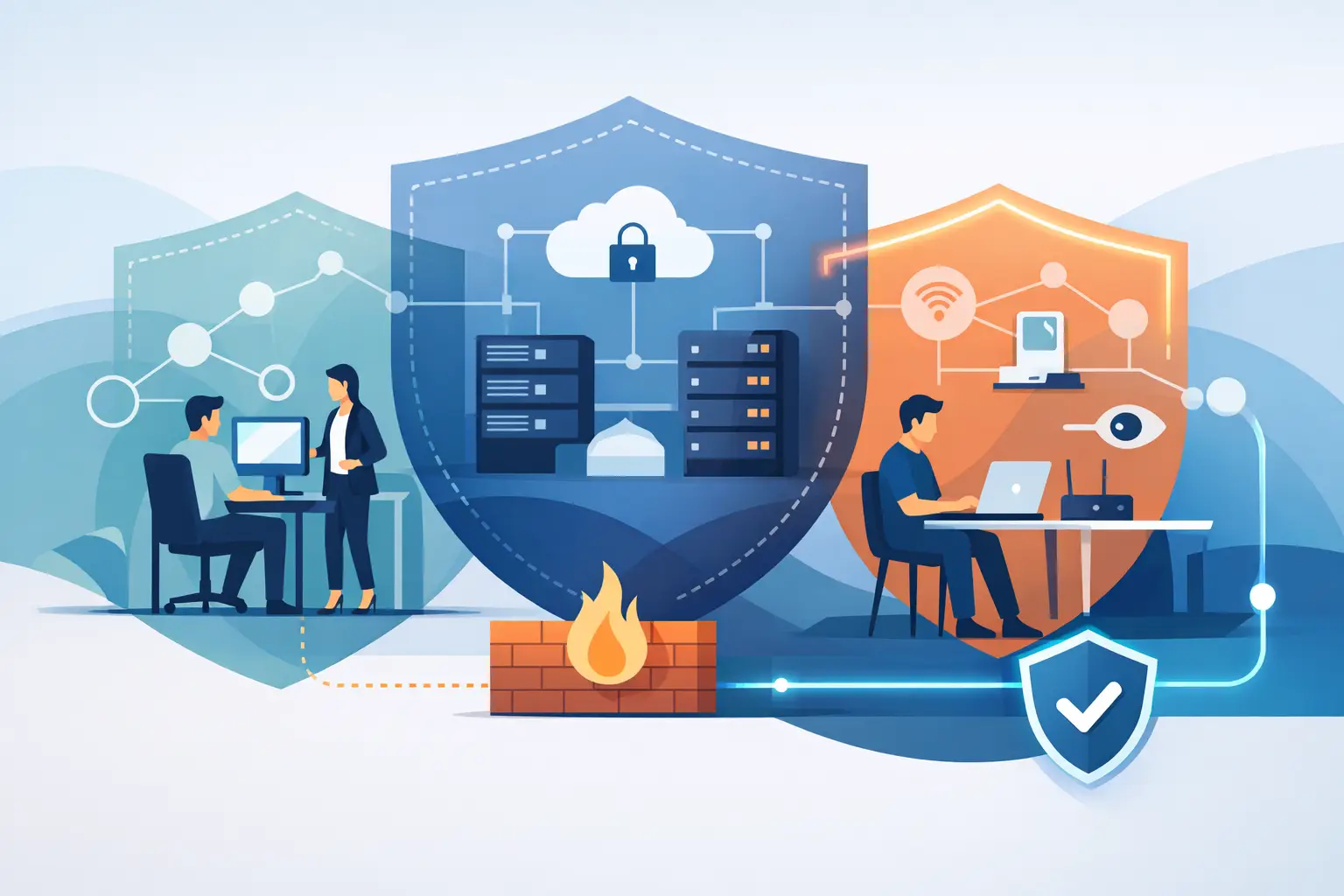

A weak wireless signal is rarely just an IT inconvenience. When business WiFi drops in meeting rooms, slows at reception, or fails in a warehouse aisle, staff lose time, customer interactions suffer, and critical cloud applications become unreliable. For a modern organization, WiFi is part of the operating environment – as essential as power, telephony, and secure access to business systems.
The right network is not defined by the number of access points on the ceiling. It is defined by whether people can work confidently wherever their roles take them, while the business maintains control over performance, security, and future expansion.
Why Business WiFi Is Operational Infrastructure
Most businesses now run key activities through wireless devices. Laptops connect to cloud platforms, mobile teams use communication apps, visitors expect guest access, and connected devices may support security cameras, meeting-room systems, point-of-sale terminals, or smart office controls. Each connection competes for airtime and bandwidth.
This is why a consumer-grade router, even one with an impressive speed rating, is not a long-term answer for a growing office. It may work for a small number of users in an open space, but it provides limited visibility, fewer security controls, and little resilience when demand rises. A purpose-designed enterprise wireless environment is built around the actual workload, building layout, and operating priorities of the organization.
That distinction matters when an executive video call freezes during a client presentation, a sales team cannot update records on the move, or a crowded training room brings the network to a standstill. The issue is not always the internet connection. It can be poor access point placement, interference, overloaded radio channels, insufficient wired uplinks, or a network that was never designed for the number and type of devices now in use.
Start With How People Use the Space
Effective WiFi design begins before hardware selection. A site assessment identifies the physical and operational realities that affect wireless performance: office size, wall materials, floor plans, high-density areas, outdoor requirements, equipment rooms, and the location of network cabling. Concrete, glass, metal shelving, elevators, and mechanical rooms can all change how a signal behaves.
A good design also asks practical questions. How many users are online at peak times? Do employees move between floors or meeting rooms? Are voice and video calls business-critical? Does the organization use cloud applications, wireless printers, handheld scanners, or internet-connected building systems? The answer determines capacity requirements, access point density, roaming configuration, and the supporting network infrastructure.
Coverage is not the same as capacity
A signal indicator showing full bars does not prove that a network can support productive work. Coverage means a device can detect and connect to the network. Capacity means many devices can use it at the same time without unacceptable delay, call quality issues, or repeated disconnections.
A boardroom may have excellent coverage when empty but struggle when 25 people join video meetings during a quarterly review. Likewise, a reception area with guest access may need separate capacity planning from a quiet back-office workspace. High-density spaces require careful radio-frequency planning, not simply stronger transmission power.
More access points are not automatically better. If they are installed too closely or configured without coordination, they can create interference and force devices to compete for the same wireless channels. The objective is balanced coverage and predictable performance, supported by professional testing after installation.
Build Security Into the Wireless Design
Wireless networks extend beyond the building walls. Without suitable controls, an unsecured or poorly segmented network can expose company systems to unauthorized access, malware, and unnecessary risk. Security should be part of the original design, not an add-on after an incident.
For employee access, organizations should use strong authentication and current encryption standards appropriate to their environment. Enterprise-grade access control can verify individual users or managed devices rather than relying on one shared password that remains in circulation long after staff changes. This improves accountability and makes access easier to manage.
Network segmentation is equally valuable. Employee systems, guest devices, payment terminals, security equipment, and smart office devices should not all operate on the same unrestricted network. Separating them into appropriate network zones helps contain problems and limits the route an attacker could take if one device is compromised.
Guest WiFi deserves particular attention. It should give visitors convenient internet access without allowing them to see internal devices, shared folders, printers, or business applications. Depending on the organization, a branded guest portal, usage policies, bandwidth controls, and time-limited access may also be appropriate.
Security is an ongoing responsibility. Firmware updates, password policies, firewall rules, threat protection, and access reviews need regular attention. A network that was secure at installation can become exposed if it is left unmanaged while software, devices, and threats change around it.
The Wired Network Still Shapes Wireless Performance
WiFi may be wireless for users, but every access point depends on the wired network behind it. Cabling, switches, power delivery, internet circuits, firewall capacity, and server or cloud access all influence the experience at the device.
For example, a high-performance access point connected to an older switch may be limited by the switch port speed. An underpowered Power over Ethernet switch can restrict how access points operate. A single internet connection may be sufficient for a small office, while a business that depends on cloud telephony and video conferencing may need a higher-capacity service or a backup connection to reduce downtime risk.
This is where an end-to-end approach is useful. Rather than treating WiFi as an isolated purchase, the infrastructure should be reviewed as one system. The goal is to identify bottlenecks before users encounter them and to ensure that every component supports the intended level of service.
Plan for Growth Without Paying for What You Do Not Need
A scalable business WiFi design provides room for new staff, additional offices, changed floor layouts, and new connected services. It does not mean buying the most expensive equipment available. It means selecting technology that can be expanded and managed sensibly as requirements evolve.
Cloud-managed wireless platforms are often a practical choice for organizations with multiple locations or limited internal IT resources. They can provide centralized visibility into access points, users, device health, and alerts. However, cloud management is not a substitute for thoughtful configuration or qualified support. It is a management method, and its value depends on the policies, monitoring, and response processes behind it.
There are trade-offs to consider. A small office may prioritize cost efficiency and straightforward management, while a larger enterprise may require advanced authentication, redundant connectivity, detailed analytics, and higher availability. A warehouse, villa community office, clinic, retail site, and corporate headquarters all have different coverage and security demands. The best solution depends on the risk profile and how the space is actually used.
Monitoring Turns a Network Into a Managed Service
Many WiFi problems emerge gradually. A new tenant may introduce interference. A software update may affect device behavior. A growing number of users may push a previously adequate network beyond its capacity. Without monitoring, teams often learn about the problem only when employees or customers complain.
Proactive monitoring provides earlier visibility into disconnected access points, unusual traffic, performance trends, and hardware issues. It also makes troubleshooting faster because technicians can review the network state rather than relying only on a description of what a user experienced.
For organizations without a dedicated internal network team, managed support creates a clearer line of accountability. INSOURCE UAE can design the wireless environment, implement the supporting infrastructure, monitor performance, maintain security controls, and provide responsive assistance when business needs change. This approach reduces the handoffs that often occur when hardware suppliers, internet providers, and separate IT vendors each manage only one part of the issue.
Questions to Ask Before Approving a WiFi Project
Decision-makers should expect a provider to explain the design in business terms, not just present a list of equipment. Ask how many users and devices the solution is designed to support, how guest access will be isolated, how the network will be monitored, and what happens if an access point or internet connection fails.
It is also reasonable to ask about the site survey, post-installation testing, warranty coverage, update management, and support response process. These details determine whether the network remains dependable after the initial installation team leaves.
A business should also clarify who owns the configuration, credentials, and documentation. Clear records of network diagrams, access policies, device inventory, and support procedures make future changes safer and faster.
The most useful WiFi investment is one that quietly supports the work people need to do. When employees can move, meet, serve customers, and access essential systems without questioning the connection, technology stops being a daily distraction and becomes dependable infrastructure.