A single unauthorized connection can become a business interruption, a data exposure, or a costly recovery project. That is why network firewall installation Dubai organizations choose should be treated as a security and continuity decision, not simply a hardware purchase. The right firewall controls how people, devices, applications, and remote locations access your network – while allowing legitimate work to continue without unnecessary friction.
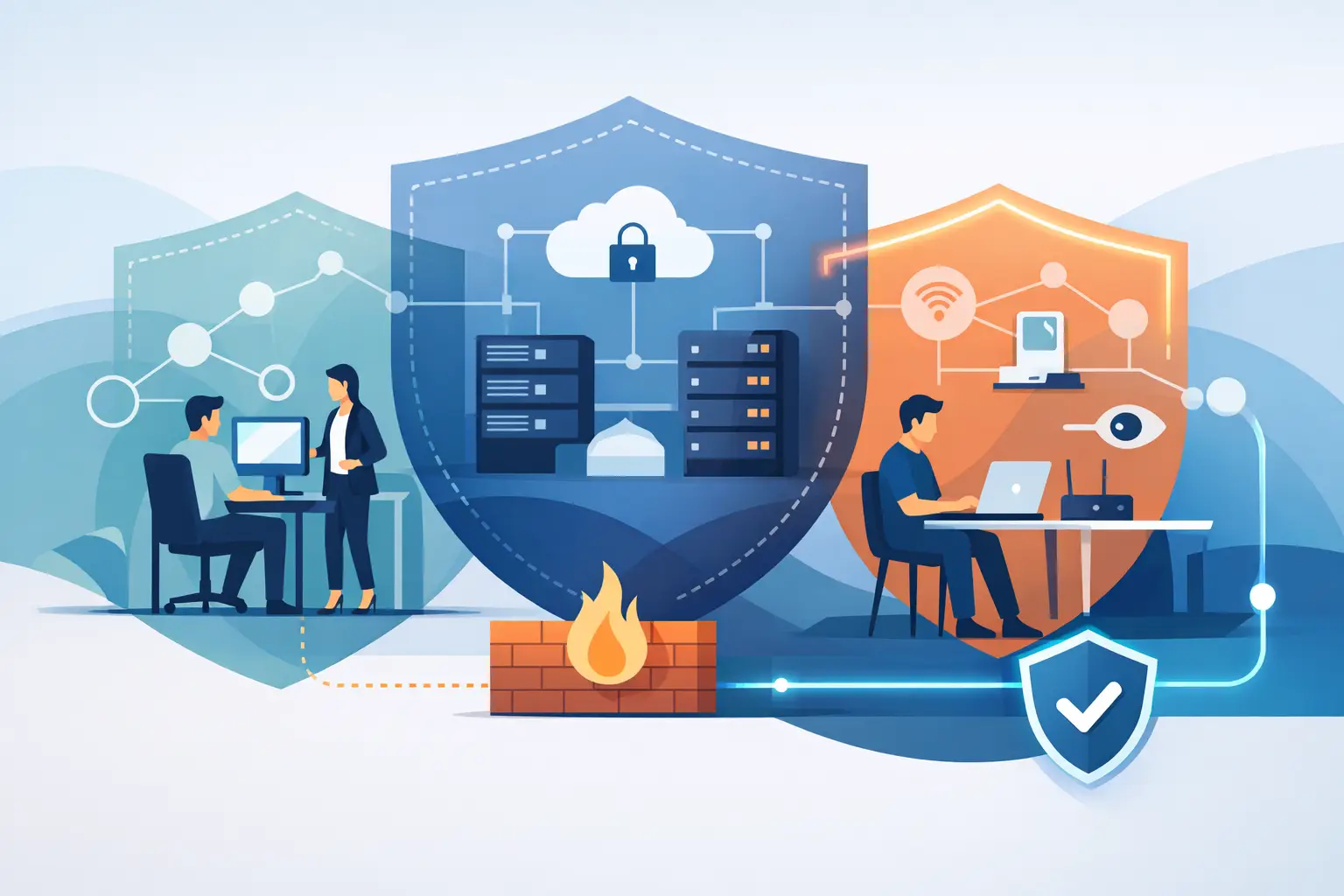
For Dubai businesses, villas, and multi-site operations, the requirement is rarely the same from one property to the next. An office with cloud applications, IP telephony, guest WiFi, and remote staff needs a different security policy from a home with automation controllers, cameras, smart locks, and multiple wireless networks. Effective installation starts with understanding what must be protected and how the environment is actually used.
What a Firewall Should Do for Your Network
A firewall sits at a critical point between your internal network and external connections. It applies rules that decide what traffic is permitted, blocked, inspected, or reported. Modern firewalls can do far more than close ports. They can identify applications, filter harmful web activity, segment devices, support secure remote access, and provide visibility into unusual network behavior.
For a business, this can mean separating accounting systems from guest WiFi, restricting access to sensitive files, and ensuring only approved users can connect remotely. For a residence, it can mean isolating smart home devices from personal computers, protecting camera systems, and preventing a compromised device from reaching other areas of the network.
The goal is not to block everything. A firewall that is too restrictive can interrupt cloud services, video calls, payment platforms, remote support, or VoIP calls. A firewall that is too open creates risk. The practical value comes from policies that reflect your systems, users, and operational priorities.
Network Firewall Installation Dubai: A Planned Process
Installing a firewall properly requires more than connecting it between an internet service provider router and a switch. A dependable deployment follows a planned sequence that limits disruption and gives the business a clear security baseline.
Start with an Infrastructure Assessment
Before configuration begins, the installation team should review the existing environment. This includes internet connections, switches, wireless access points, servers, cloud applications, telephony systems, user groups, remote access requirements, and connected devices. Existing network diagrams are useful, but they should be verified against the live environment.
This assessment often reveals issues that affect firewall design. An old switch may not support network segmentation. A flat network may place guest devices alongside business systems. An internet connection may not have sufficient bandwidth for encrypted remote access, cloud backup, and voice traffic at the same time. Addressing these dependencies early prevents surprises during cutover.
Design Network Segmentation
Segmentation is one of the most practical security controls a firewall can enforce. Rather than allowing every device to communicate freely, the network is divided into defined zones. Common examples include corporate users, servers, voice systems, guest WiFi, cameras, smart devices, and management systems.
Each zone receives only the access it needs. Guest WiFi users can reach the internet without seeing internal printers or file servers. Security cameras can communicate with their recording platform without having access to workstations. For businesses handling sensitive information, segmentation also reduces the impact if one device is compromised.
The right design depends on the property and its workflows. A small office may need a straightforward set of zones, while a larger organization with branch offices, warehouse devices, and cloud workloads may require a more detailed policy structure. Complexity should serve a purpose, not make future support difficult.
Configure Security Policies Around Real Work
Firewall rules should be specific, documented, and tested. This includes outbound access policies, inbound services, web filtering, application controls, intrusion prevention, remote-access permissions, and logging settings. Policies should be built around approved business activity rather than copied from a generic template.
For example, a company may need secure access for a finance application hosted in the cloud, while an external vendor may need limited access to one managed system. These are different use cases and should not be handled with broad, permanent permissions. Time-limited or tightly scoped access reduces exposure without slowing down necessary work.
Remote access deserves particular attention. Staff and vendors often require access outside the office, but open remote services are a common target for attacks. Secure VPN configuration, multi-factor authentication where applicable, controlled user permissions, and activity monitoring help reduce this risk.
Plan the Cutover and Test Thoroughly
A firewall replacement can affect internet connectivity, email flow, cloud services, printers, phones, wireless networks, and remote users. For this reason, installation should include a cutover plan with a maintenance window, backup configurations, rollback procedures, and post-installation testing.
Testing should not end when a webpage loads. The team should verify critical applications, voice quality, VPN access, WiFi connectivity, guest access, server communication, backup processes, and monitoring alerts. If the business operates outside normal office hours or relies on customer-facing systems, the implementation schedule should reflect that reality.
Choosing the Right Firewall for the Environment
Firewall selection should be based on performance requirements, security features, supportability, and future growth. The lowest-cost model can become expensive if it cannot handle encrypted traffic, increased user demand, or new security services. Conversely, an oversized platform may consume budget without delivering meaningful benefit.
Key factors include the number of users and devices, internet speed, expected VPN usage, cloud traffic, multiple locations, wireless density, and whether services such as web filtering or intrusion prevention will be enabled. Security inspection consumes processing capacity, so advertised throughput should be reviewed in the context of the features you intend to use.
For homes and villas, the firewall should also support the demands of smart automation, high-resolution cameras, entertainment systems, secure guest connectivity, and remote property access. A professionally designed network prevents smart devices from becoming the weak point in an otherwise well-protected environment.
Installation Is Only the Beginning
A firewall is not a set-and-forget device. New vulnerabilities emerge, applications change, employees join and leave, and business requirements evolve. Ongoing management is what keeps the original security design effective.
Regular firmware updates address known vulnerabilities and improve stability. Log monitoring can identify suspicious activity, repeated failed logins, unusual traffic patterns, or devices communicating with risky destinations. Policy reviews help remove outdated rules that may have been created for a one-time project but remain active long after they are needed.
This is where managed support delivers clear operational value. Instead of relying on an internal team to react only when a problem appears, businesses can maintain visibility, receive proactive support, and make controlled adjustments as their infrastructure changes. INSOURCE UAE provides firewall implementation alongside managed infrastructure support, helping clients maintain protection without losing focus on daily operations.
Common Mistakes That Create Avoidable Risk
One common mistake is retaining default credentials or broad administrator access. Another is allowing unrestricted communication between business devices, guest users, cameras, and smart systems. Both practices make it easier for a single compromised device to affect more of the network.
Businesses also sometimes expose services directly to the internet when a secure remote-access method would be safer. Others install a capable firewall but leave advanced security services disabled because no one has reviewed licensing, performance, or policy requirements. The equipment may be in place, yet the protection is incomplete.
Documentation is equally valuable. A current record of network zones, firewall rules, administrator access, internet circuits, and connected systems makes troubleshooting faster and supports safer changes. It also gives decision-makers a clearer view of where operational risk sits.
When to Review Your Firewall Strategy
A review is advisable after a major office move, network upgrade, cloud migration, increase in remote work, security incident, or expansion to additional sites. It is also worthwhile when internet performance has changed, voice calls are unreliable, guest WiFi is growing, or smart building systems have been added without a broader network redesign.
Even without a major change, an annual review is a sensible discipline. It gives your technology team an opportunity to validate access rules, remove unused accounts, test backup connectivity, and confirm that critical systems remain separated and protected.
The best time to improve network security is before an incident forces the issue. A carefully planned firewall installation gives your organization or property a clearer view of its network, stronger control over access, and a more dependable foundation for the technology you rely on every day.