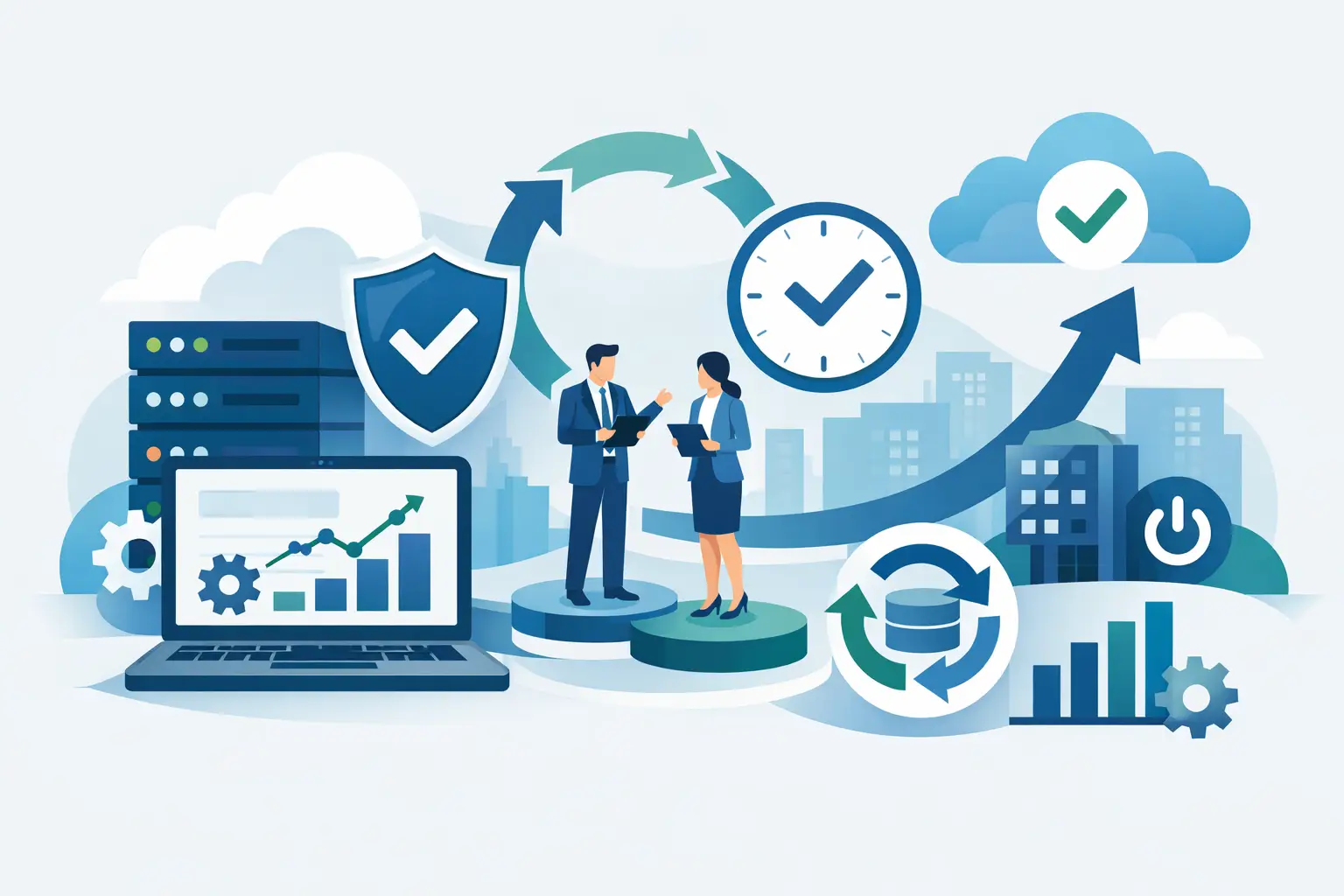

A slow video call, a Wi-Fi dead zone in a meeting room, or a security camera that drops offline may look like isolated technical problems. More often, they reveal a gap in the underlying network infrastructure design. The right design does more than connect devices. It gives a business, office, villa, or community property the capacity to operate reliably, protect sensitive data, and adapt without repeated disruption.
For organizations in Dubai and across the UAE, network decisions are closely tied to daily performance. Staff depend on cloud applications, customers expect responsive communication, and security systems need constant availability. In homes, streaming, smart automation, access control, and surveillance all compete for the same connectivity. A network built only for current device counts can become a constraint far sooner than expected.
What Network Infrastructure Design Should Deliver
Network infrastructure design is the process of planning the physical and digital systems that carry data across a property or organization. This includes internet connectivity, structured cabling, network switches, routers, firewalls, Wi-Fi access points, servers, cloud connections, voice systems, and the management tools that keep them visible and secure.
The objective is not to install the greatest amount of equipment. It is to create an environment where each component has a clear role and the overall system supports the way people actually work or live. A finance team handling cloud-based records has different priorities from a design studio transferring large files. A multi-floor villa with smart lighting, CCTV, and outdoor coverage has different demands from a compact office.
A well-planned network should provide dependable coverage, predictable performance, controlled access, and a practical path for expansion. It should also be serviceable. When a fault occurs, technical teams need to identify the cause quickly rather than trace a maze of undocumented cables, unmanaged devices, and overlapping wireless networks.
Start With Operations, Not Hardware
The strongest projects begin with a clear understanding of operations. Before selecting access points or switches, ask how many users, devices, locations, and critical services the network must support. Consider what must remain available during an internet outage, a power interruption, or a cybersecurity event.
This discovery phase should include more than employee laptops. Modern environments may include IP phones, meeting room systems, printers, access control readers, CCTV cameras, guest devices, building management technology, smart home controllers, and sensors. Each device category affects bandwidth, power, security, and network capacity.
For example, an office that expects to add 40 staff members over two years should not be designed around the port count needed today. A property owner planning future outdoor entertainment areas, gate access, or additional cameras should allow for cable routes and wireless coverage from the outset. Designing for realistic growth is usually less disruptive and more cost-effective than reopening walls or replacing core equipment later.
Internet connectivity also deserves careful assessment. One high-speed connection may be sufficient for a small, low-risk site, but businesses that depend on cloud systems, VoIP calling, or online transactions may need a secondary connection with automatic failover. The right choice depends on the cost of downtime, not simply the monthly bandwidth figure.
Build the Network in Clear Layers
A scalable design separates the network into logical layers. At the edge, firewalls and internet connections control traffic entering and leaving the environment. The core and distribution layers move data between servers, storage, wireless systems, and connected departments. Access switches provide connectivity to user devices, phones, cameras, and access points.
This approach helps performance and makes troubleshooting more efficient. A failure in a single access switch should not take down an entire office. Likewise, a high-volume guest network should not compete directly with business-critical applications or security devices.
Segmentation Protects More Than Data
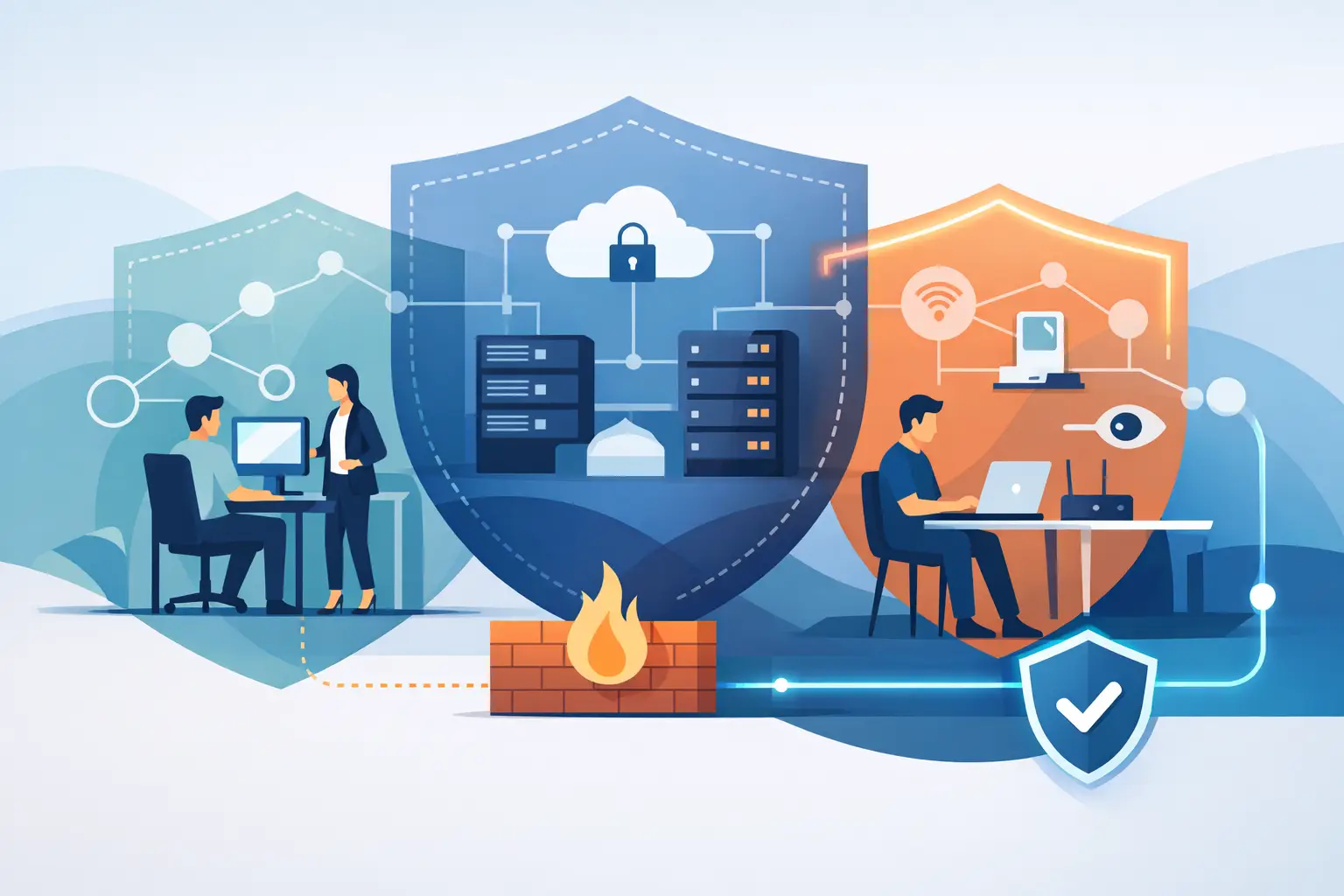
Network segmentation separates traffic into controlled zones. Staff devices, guest Wi-Fi, VoIP phones, CCTV cameras, smart automation systems, and server resources can operate on different network segments with rules governing what they can access.
This is a practical security measure, not just an enterprise feature. If a guest device is compromised, it should not be able to reach financial systems or camera recordings. If an IoT device has a weakness, segmentation limits the potential impact. It also supports performance by preventing unnecessary traffic from moving across the entire network.
Segmentation must be planned carefully. Overly strict rules can interrupt legitimate services, while overly broad rules defeat the purpose. The correct policy reflects real workflows, the sensitivity of the systems involved, and the level of risk the organization is prepared to accept.
Wi-Fi Requires a Site-Specific Plan
Enterprise Wi-Fi is often treated as a simple coverage exercise. In reality, usable wireless performance depends on building materials, layout, user density, interference, and application demand. A signal that reaches a room is not necessarily strong enough for reliable video calls, cloud applications, or high-quality voice traffic.
A site survey and heat-map-based plan can identify where access points belong, how channels should be allocated, and whether wired backhaul is available. Access points placed too far apart create weak coverage. Too many access points, configured without coordination, can create interference and reduce performance.
In villas and large residences, Wi-Fi planning should account for gardens, garages, pools, boundary gates, and smart devices that may sit far from the main living areas. In offices, meeting rooms and collaborative spaces often need more capacity than corridors or storage areas. Coverage and capacity are related, but they are not the same design requirement.
Plan Security and Continuity Together
Cybersecurity cannot be added as an afterthought once users are connected. Firewalls, secure remote access, endpoint protection, spam filtering, patching, backup processes, and monitoring should work as a coordinated set of controls. The design should also define who has administrative access, how credentials are protected, and how security events are escalated.
Continuity planning is equally important. Critical systems may require uninterruptible power supplies, equipment redundancy, backup internet connectivity, and protected data backups. Not every site needs duplicate hardware for every component. A small office may prioritize a backup connection and cloud recovery, while a larger operation may need redundant firewalls, switching, or server resources.
The decision should be based on recovery objectives. How long can the organization function without internet access? What data can it afford to lose? Which systems must be restored first? Clear answers turn resilience from a vague expectation into an actionable design standard.
Avoid the Cost of Fragmented Systems
Many network problems begin with well-intentioned additions over time: a new router for one department, a separate Wi-Fi system for guests, cameras installed by a different supplier, or a cloud service connected without security review. Each decision may solve an immediate need, but the overall environment becomes harder to manage.
Fragmentation creates blind spots. It can leave devices unpatched, credentials uncontrolled, and support responsibilities unclear. It also makes incidents slower and more expensive to resolve because no single team has a complete view of the system.
An integrated approach brings network connectivity, Wi-Fi, cybersecurity, cloud services, telephony, and connected property systems into one accountable framework. INSOURCE UAE designs and supports these environments as connected services, helping clients reduce complexity while keeping critical technology under active management.
Design for Ongoing Management
A network is not finished when installation is complete. Configuration records, cable labels, device inventories, password management, software updates, monitoring thresholds, and support procedures all determine how the system performs over time.
Proactive monitoring can identify a failing connection, an overloaded access point, unusual traffic pattern, or storage issue before it becomes a major interruption. Regular maintenance also keeps firmware, firewall policies, and security controls aligned with changing threats and operational needs.
For business leaders and property owners, this ongoing discipline provides something more valuable than a fast connection: confidence that the technology supporting daily operations is being watched, maintained, and improved. The best time to address a weak link is before it interrupts a client call, a payment process, a security system, or a family’s connected home.
A thoughtful network design gives every future technology decision a stronger foundation. Whether the next step is a larger team, more cloud services, integrated automation, or a new location, the network should make that change manageable rather than risky.