A single convincing email can interrupt operations, expose financial data, or give an attacker a route into the wider network. An email spam protection service reduces that risk before suspicious messages reach employees, shared mailboxes, or business systems. For organizations that depend on email for customer requests, supplier approvals, invoices, and daily coordination, filtering is an operational safeguard, not simply an inbox convenience.
Why Email Remains a Primary Security Risk
Email is trusted because it is familiar. Employees expect messages from banks, delivery providers, cloud platforms, colleagues, and vendors, which makes impersonation effective. A fake invoice, password reset notice, or executive request can look credible enough to bypass a busy employee’s usual caution.
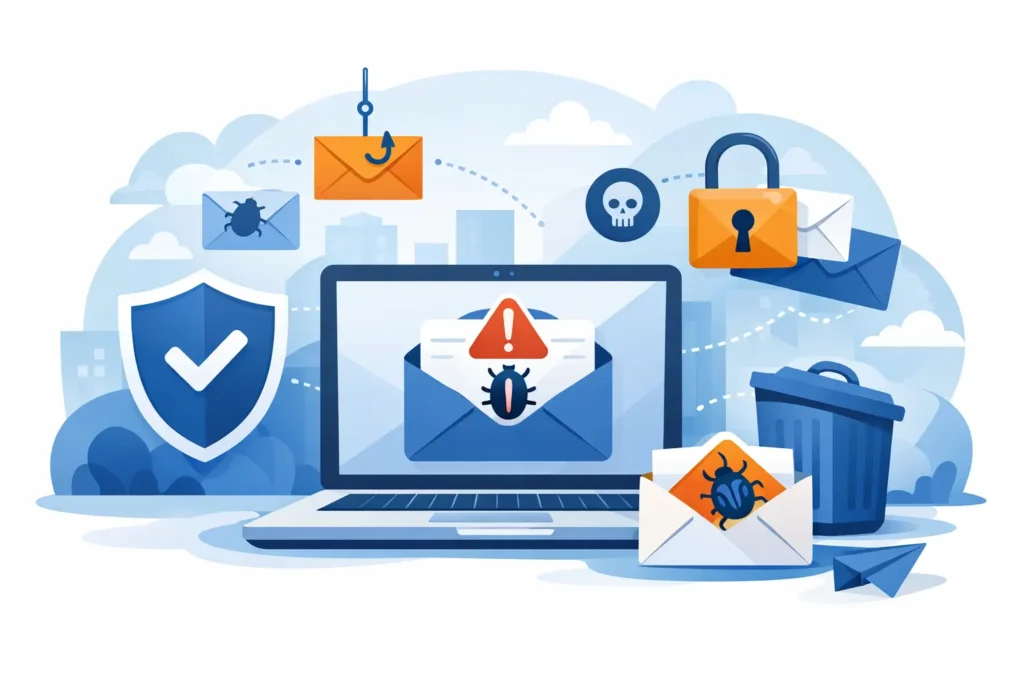
Spam is also more than unsolicited marketing. It can include phishing pages that capture credentials, malware attachments, business email compromise attempts, and messages carrying harmful links. Even when an attack does not lead to a breach, a crowded inbox costs time and makes legitimate requests easier to miss.
For businesses in Dubai and across the UAE, the impact can be immediate. A compromised mailbox may expose client correspondence, disrupt payment workflows, damage supplier relationships, or become a launch point for internal fraud. Organizations with remote teams, multiple locations, cloud applications, and mobile users need protection that follows email wherever it is accessed.
What an Email Spam Protection Service Should Do
A capable email spam protection service examines incoming and outgoing email using several layers of inspection. It should assess the sender’s reputation, validate domain authentication, identify suspicious message patterns, scan attachments, and inspect links before users interact with them. No single control catches every threat, which is why layered filtering matters.
The service should also distinguish between unwanted mail and legitimate business communication. Blocking every questionable message may sound safe, but false positives can delay contracts, purchase orders, client inquiries, and urgent operational requests. Effective protection combines strong detection with sensible policies, quarantine controls, and clear review processes.
Domain authentication is particularly important. Technologies such as SPF, DKIM, and DMARC help receiving systems verify whether a sender is authorized to use a domain. Properly configured, they reduce spoofing attempts that appear to come from your company, senior staff, or trusted partners. They are not a complete security program, but they are a practical part of protecting brand reputation and email trust.
Outbound filtering also deserves attention. If an internal account is compromised, attackers may use it to send malicious messages to customers or suppliers. Monitoring outbound activity can identify unusual sending behavior, help contain the incident, and reduce the chance that your domain is placed on email blocklists.
Protection Must Fit the Way Your Business Works
The right service is not always the one with the longest feature list. A small office using Microsoft 365 has different requirements from a multi-site business with on-premises systems, shared service mailboxes, strict compliance needs, and a large remote workforce. The service should fit the organization’s mail platform, user count, risk profile, and support model.
For example, finance teams may need additional scrutiny around invoice and payment-related messages. Executive assistants may need stronger protection against impersonation attempts. Customer-facing teams may require carefully tuned filters to avoid quarantining genuine inquiries from new contacts. These decisions require context, not a default policy left unchanged for years.
A managed approach is valuable when internal IT teams are focused on projects, support tickets, and core infrastructure. Rather than expecting staff to continuously adjust policies and investigate suspicious messages, a managed provider can monitor alerts, review filtering performance, and respond when threat patterns change.
Key Capabilities to Evaluate
When assessing an email spam protection service, decision-makers should look beyond a basic spam score. The following capabilities have a direct effect on security and day-to-day usability:
- Phishing and impersonation detection that identifies deceptive sender names, lookalike domains, executive fraud, and suspicious language.
- Attachment and link scanning that detects malicious files and prevents users from reaching known harmful websites.
- Quarantine management that gives authorized users or IT teams visibility without allowing risky messages to circulate freely.
- Email continuity and archiving options, where required, to support communication during an email platform outage and meet retention needs.
- Reporting and alerting that show blocked threats, policy activity, top targets, and trends requiring attention.
These features should be supported by practical administration. IT teams need clear policies, usable reporting, and a fast path to investigate a message that was blocked or delivered incorrectly. Security that creates constant friction often leads users to find workarounds, which creates a new risk.
Email Security Is Not a Standalone Control
Filtering is highly effective, but it cannot replace identity security, endpoint protection, network controls, backups, or employee awareness. An attacker who obtains a password through a phishing site may still access cloud services if multifactor authentication is not enforced. A malicious file that reaches a device may cause damage if endpoint protection and patching are neglected.
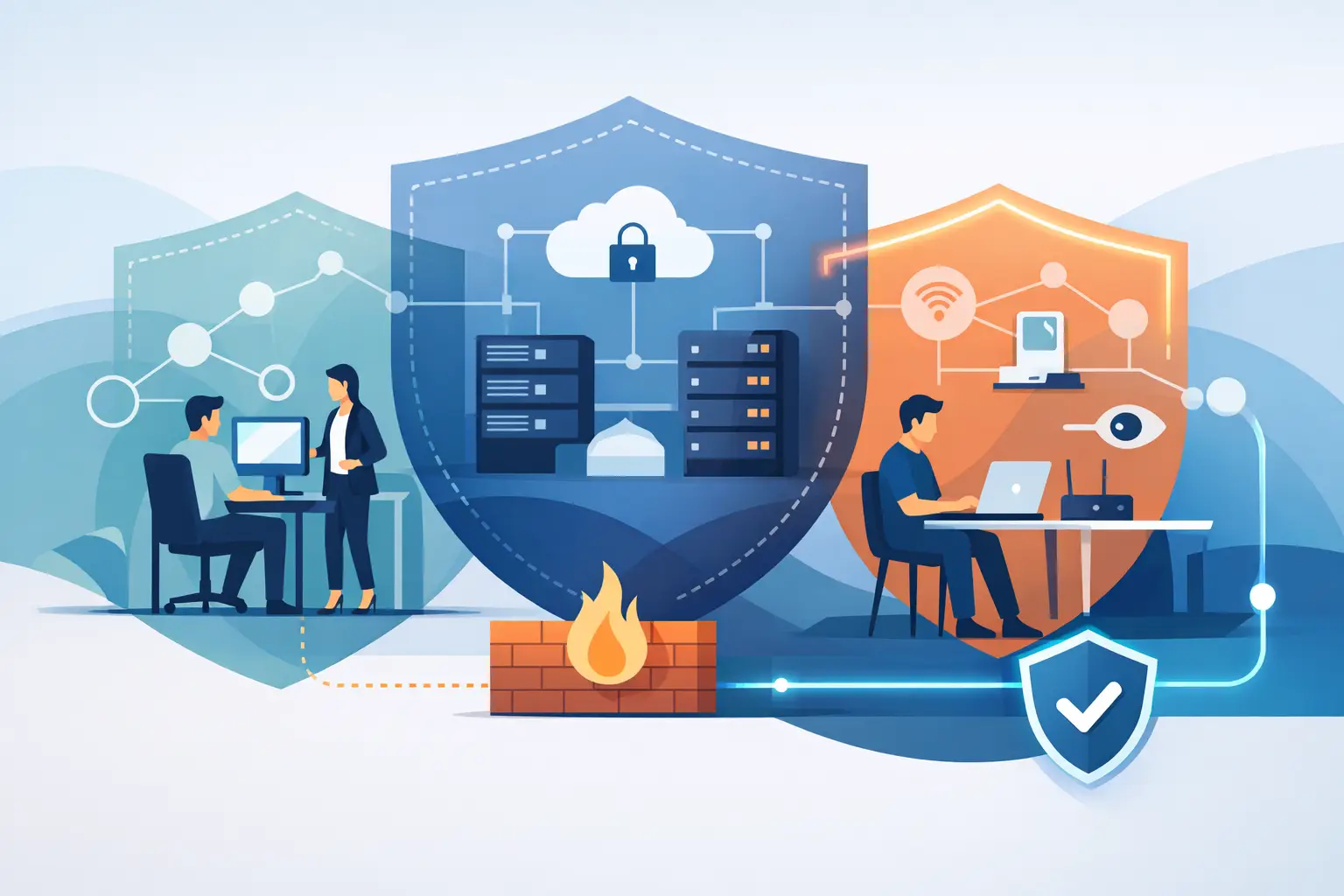
This is why email protection works best as part of a managed security environment. Mail policies should align with identity controls, device management, secure Wi-Fi, firewall rules, backup procedures, and incident response plans. When these systems are managed together, unusual behavior is easier to identify and contain.
Employee awareness remains relevant as well. Training should be practical and specific: verify unexpected payment changes through a separate channel, treat urgent requests with care, inspect sender addresses, and report suspicious messages quickly. The goal is not to turn every employee into a security specialist. It is to give people clear actions when a message does not look right.
Common Gaps That Create Exposure
Many organizations assume their default email platform settings provide all the protection they need. Built-in controls can provide a useful foundation, but their effectiveness depends on licensing, configuration, monitoring, and ongoing tuning. Leaving settings at their defaults can create blind spots, especially as phishing techniques evolve.
Another common gap is failing to protect shared accounts and legacy mailboxes. Accounts used for billing, reception, sales, or automated notifications may have broad access and weak oversight. They should be included in the same protection, authentication, and review process as individual user accounts.
Businesses also need a defined process for releasing quarantined messages. If every user can release any message without review, a quarantine becomes less meaningful. If nobody checks it, legitimate communication may be delayed. The right balance depends on the size of the organization, the sensitivity of its email traffic, and the availability of internal IT support.
A Managed Path to Better Email Security
A successful deployment begins with understanding the current email environment. This includes the mail platform, existing filters, user groups, shared mailboxes, domain records, known spam issues, and the type of sensitive information exchanged by email. From there, policies can be configured to address the most relevant threats without disrupting normal communication.
After deployment, the work continues. Threats change, vendors and clients change, and business processes change. Regular monitoring helps identify whether policies are too strict, too permissive, or being bypassed. It also provides useful evidence for leadership: what has been blocked, which departments are being targeted, and where additional controls may be needed.
INSOURCE UAE supports businesses with integrated anti-spam, antivirus, managed infrastructure, and technical support services. This approach gives organizations a single accountable team that can align email protection with the network, cloud environment, user devices, and operational requirements behind it.
The most effective email security is the kind employees can rely on without having to think about it constantly. When legitimate messages keep moving, suspicious messages are stopped early, and support is available when an exception needs attention, email remains what it should be: a dependable business tool rather than an open door to risk.