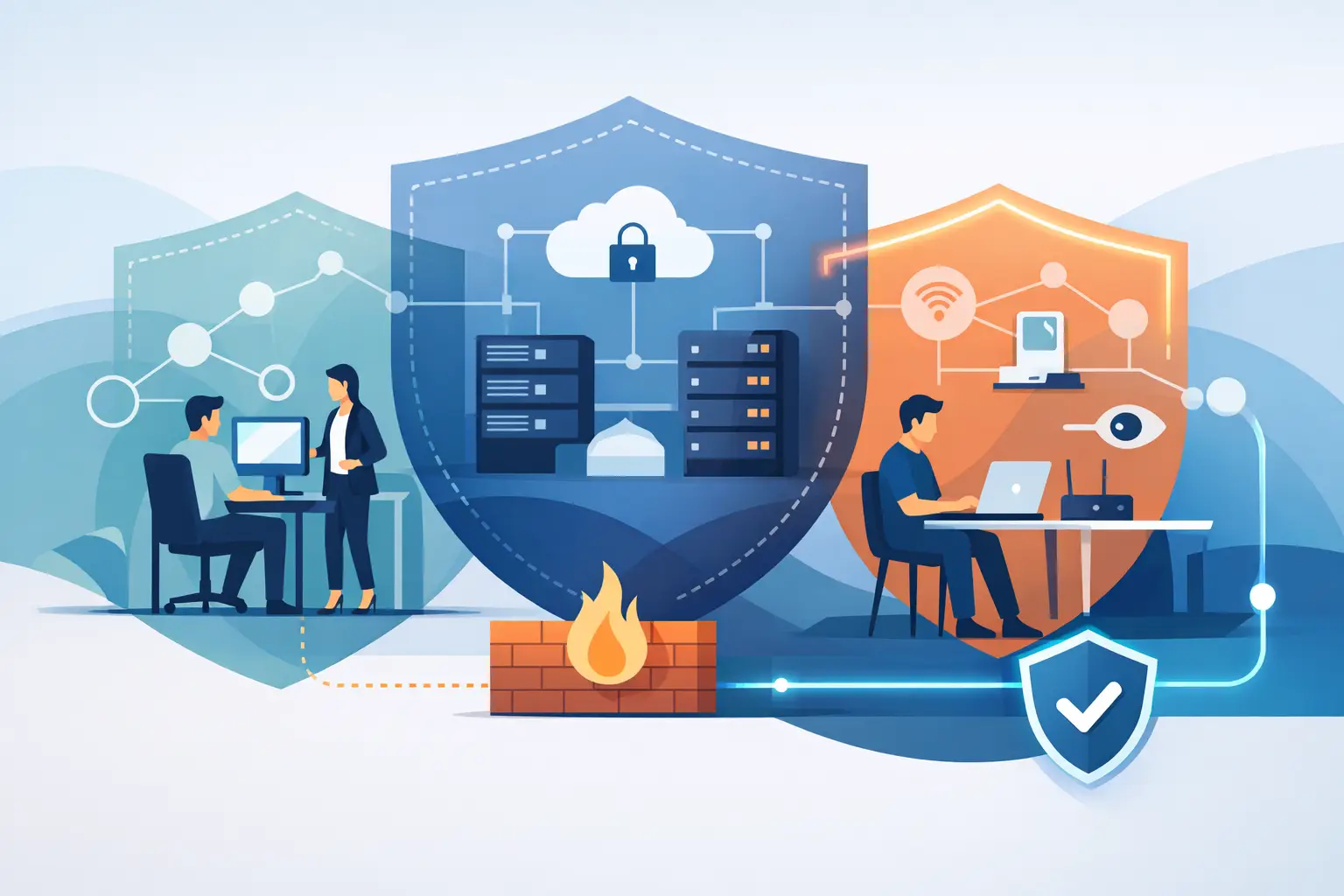

A staff member signs in to a finance platform from home. A contractor needs temporary access to a building system. An executive checks sensitive files over airport Wi-Fi. In each case, the network perimeter is no longer the main security boundary. Zero trust addresses this reality by checking every access request instead of assuming that a user, device, or connection is safe because it is already inside the network.
For businesses in Dubai and across the UAE, this is a practical shift in how technology is protected. Cloud applications, mobile teams, IP telephony, connected meeting rooms, smart office systems, and remote support have expanded the number of paths into critical data and infrastructure. Security must support that flexibility without creating unnecessary delays for employees or customers.
What zero trust means in practical terms
Zero trust is a security approach based on a simple principle: never trust automatically, always verify. It does not mean treating every employee as a threat or making users enter a password at every click. It means granting access only after the system has checked the right signals for the request.
Those signals commonly include the user’s identity, the device being used, its security condition, the application or data requested, the location, and the context of the activity. A verified employee on a company-managed laptop may be allowed into a business application. The same employee trying to access highly sensitive records from an unfamiliar, unprotected device may be asked for additional verification or denied access.
The goal is to reduce the damage that can follow a stolen password, compromised laptop, phishing email, or unauthorized connection. Traditional security often focuses heavily on protecting the office network edge with firewalls. Firewalls remain essential, but a modern business needs controls that follow users, devices, and data wherever they operate.
Why the traditional perimeter is no longer enough
A network perimeter worked better when most people worked from a single office, applications ran on local servers, and company devices rarely left the building. That operating model has changed. Even organizations with a central office may use cloud email, hosted applications, remote monitoring platforms, guest Wi-Fi, mobile devices, and third-party service providers.
Once an attacker gains valid credentials, broad internal access can turn one compromised account into a larger incident. This is often called lateral movement: moving from an initial entry point to more valuable systems. Zero trust limits that movement by separating access into smaller, controlled areas. A user who only needs a scheduling system should not automatically reach finance data, server administration tools, or network controls.
This matters for operational continuity as much as confidentiality. A ransomware incident can interrupt communications, stop access to applications, disrupt customer service, and consume leadership time. Reducing unnecessary access reduces the number of systems an intruder can reach.
The core controls behind zero trust security
Zero trust is not one product. It is a coordinated set of policies, technologies, and operating practices. The right design depends on the organization’s applications, workforce, risk profile, and existing infrastructure.
Strong identity verification
Identity is central to zero trust. Every user should have a unique account, and shared credentials should be removed wherever possible. Multi-factor authentication adds an extra check beyond a password, such as an authenticator app, security key, or device-based approval.
However, multi-factor authentication alone is not the full answer. Attackers can exploit approval fatigue, social engineering, or weak recovery processes. Conditional access policies add useful context. For example, access to a sensitive cloud application can require stronger verification when a user is outside the usual location, using a new device, or attempting an unusual action.
Device health and management
A verified user on an unprotected device still presents a risk. Zero trust policies should check whether a laptop, desktop, tablet, or phone meets the organization’s security requirements. That can include current software updates, disk encryption, endpoint protection, screen lock settings, and the absence of known threats.
For many businesses, this requires clear separation between managed company devices and personal devices. Personal devices may be suitable for limited access through a browser, while managed devices can receive access to internal tools or sensitive files. The balance should reflect the role and the data involved, rather than applying one rule to every employee.
Least-privilege access
Least privilege means giving users the minimum access required to perform their role. It is one of the most effective ways to control risk, but it requires ongoing attention. Employees change roles, projects end, contractors leave, and temporary access often remains active longer than intended.
Access should be reviewed regularly, especially for administrator accounts, finance systems, cloud management portals, and security tools. Privileged access should be separated from everyday email and web activity. An IT administrator should not use a high-level account for routine browsing, because one phishing event could expose the entire environment.
Network segmentation
Segmentation divides a network into controlled zones. Instead of allowing all devices to communicate freely once connected, policies define which systems may communicate and why. A guest Wi-Fi network should not reach business servers. IoT devices, cameras, smart building controllers, and office automation systems should be isolated from employee workstations where appropriate.
This is particularly relevant in smart offices and connected residences. Convenience devices can create security exposure if they are placed on the same unrestricted network as laptops, storage systems, or management interfaces. Proper network design keeps essential services available while limiting unnecessary connections.
Continuous monitoring and response
Zero trust is not complete at the moment access is granted. Security conditions change. A device may become infected, a user account may show unusual behavior, or a cloud service may generate suspicious activity. Monitoring provides the visibility needed to detect and respond before a small issue becomes a business interruption.
This is where managed security services can make a measurable difference. Alerts without ownership are not protection. A reliable service model combines monitoring with clear escalation, investigation, corrective action, and documented improvement. Businesses need to know who is watching critical systems outside normal office hours and what happens when an issue is identified.
How to adopt zero trust without disrupting operations
A full redesign is not always necessary, and attempting to change every control at once can create confusion. The most effective approach starts with the systems that carry the greatest business impact.
First, identify critical assets: financial applications, customer records, cloud email, server administration, remote access tools, telephony platforms, and core network equipment. Map who needs access, from where, and on what devices. This often reveals dormant accounts, overly broad permissions, unmanaged endpoints, and old remote-access methods that should be addressed quickly.
Next, strengthen identity controls. Enforce multi-factor authentication for priority systems, remove shared accounts, and establish secure onboarding and offboarding processes. Then apply device management and conditional access to match the needs of each role.
Network segmentation should follow a clear design rather than ad hoc rules. It must account for business applications, printers, voice systems, security cameras, wireless networks, and automation platforms. Poor segmentation can block legitimate services; weak segmentation can expose too much. Testing and change control are essential.
Finally, measure performance as well as security. Authentication failures, access delays, support tickets, blocked threats, patch status, and privileged-account reviews help determine whether policies are working as intended. Security that consistently prevents legitimate work will encourage workarounds. The best design protects critical systems while keeping approved access dependable.
Zero trust is a business continuity decision
The value of zero trust is not limited to meeting a security requirement. It gives organizations more control as they adopt cloud services, support hybrid work, connect new sites, or introduce smart building technology. It also creates clearer accountability for who can reach critical systems and under what conditions.
For a growing business, the right architecture should scale without requiring a complete replacement every time the workforce, office footprint, or application portfolio changes. For established organizations, it can reduce exposure created by years of accumulated accounts, devices, and network exceptions.
INSOURCE UAE approaches zero trust as part of an integrated infrastructure strategy, combining secure networking, managed endpoints, cloud controls, monitoring, and responsive support. The priority is not adding security tools for their own sake. It is building a technology environment that stays available, manageable, and protected as business requirements change.
A useful first step is to choose one high-value system and ask a direct question: who can access it, from which devices, under which conditions, and how would you know if that access became unsafe? The answer will show where stronger controls can deliver the greatest immediate value.