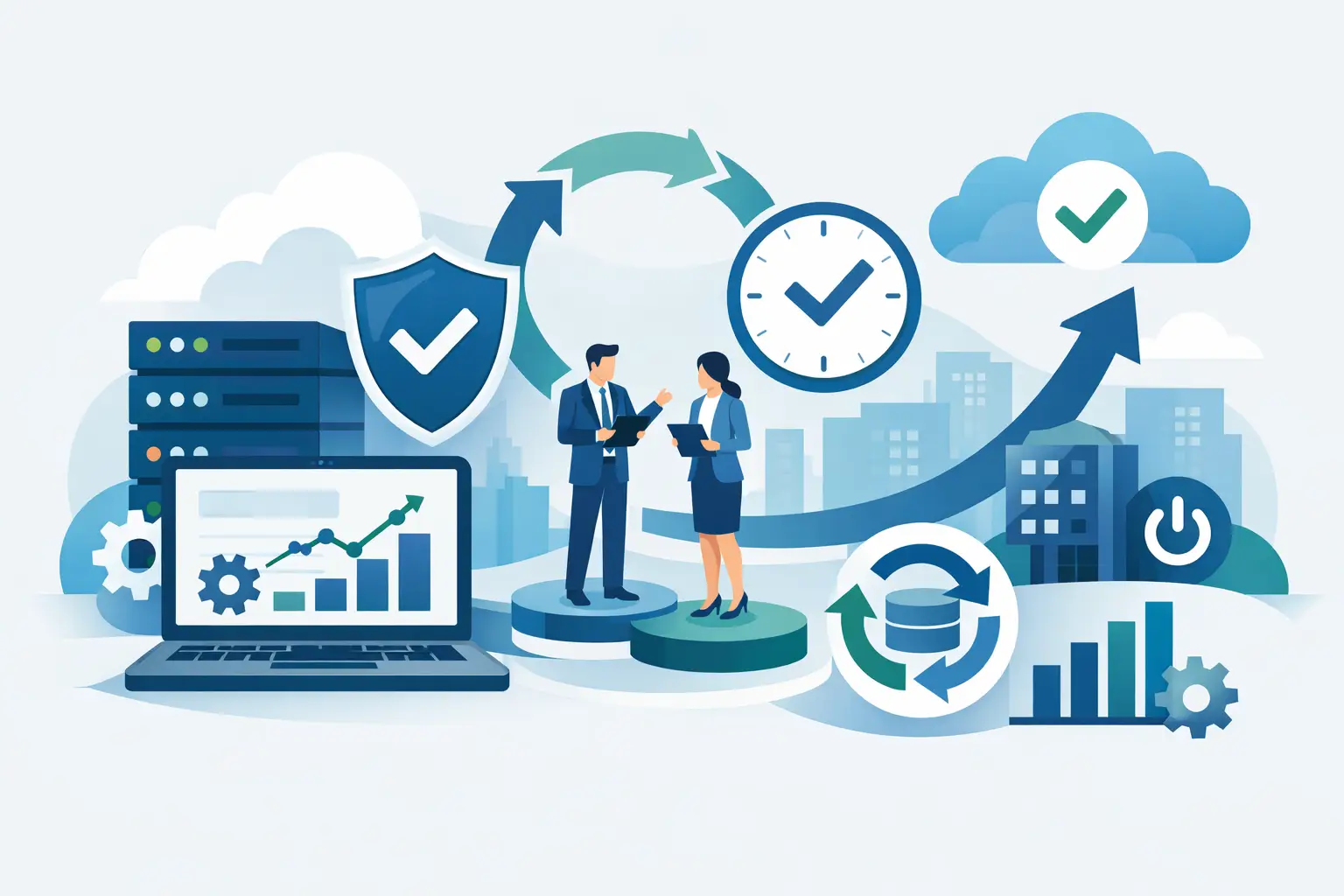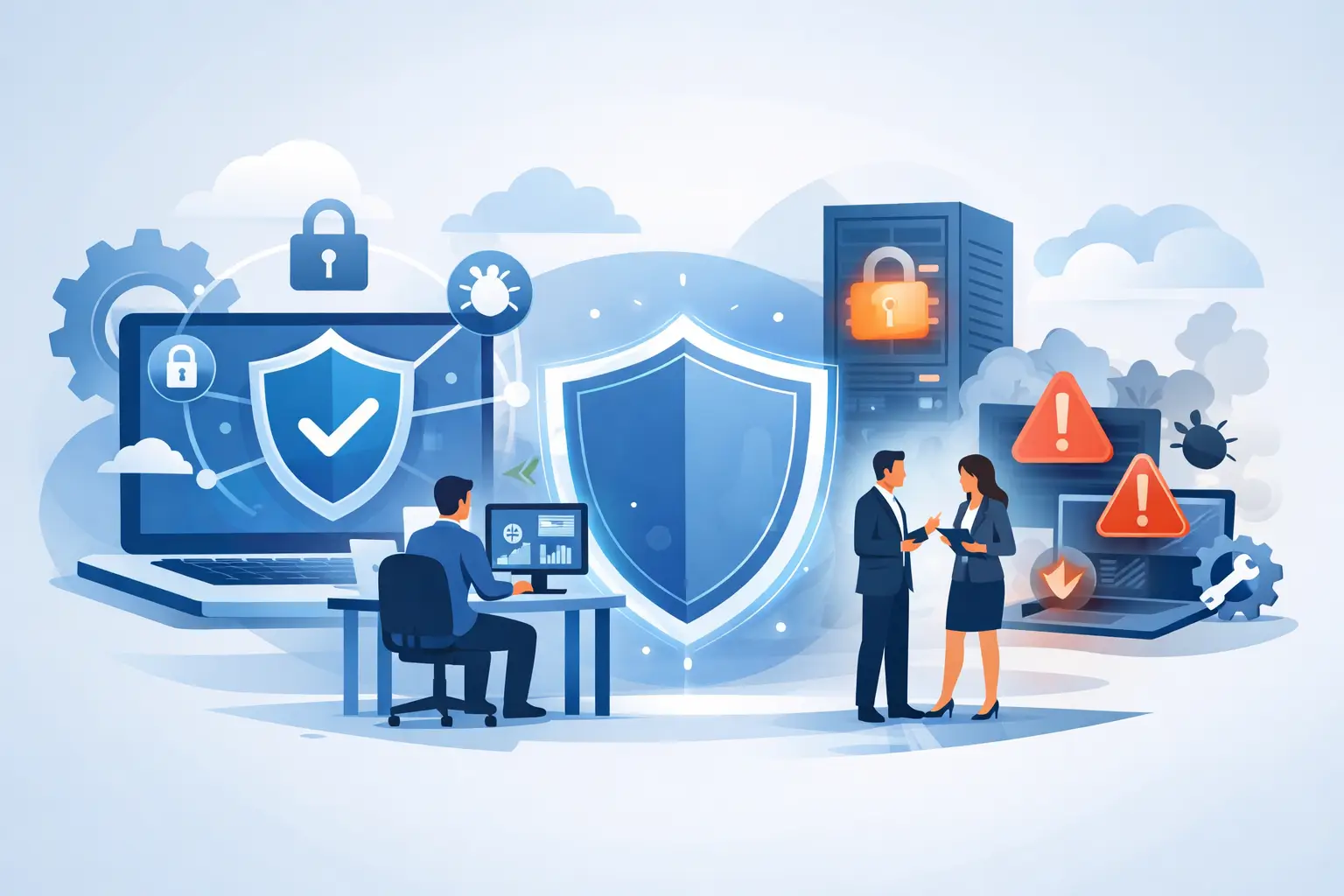
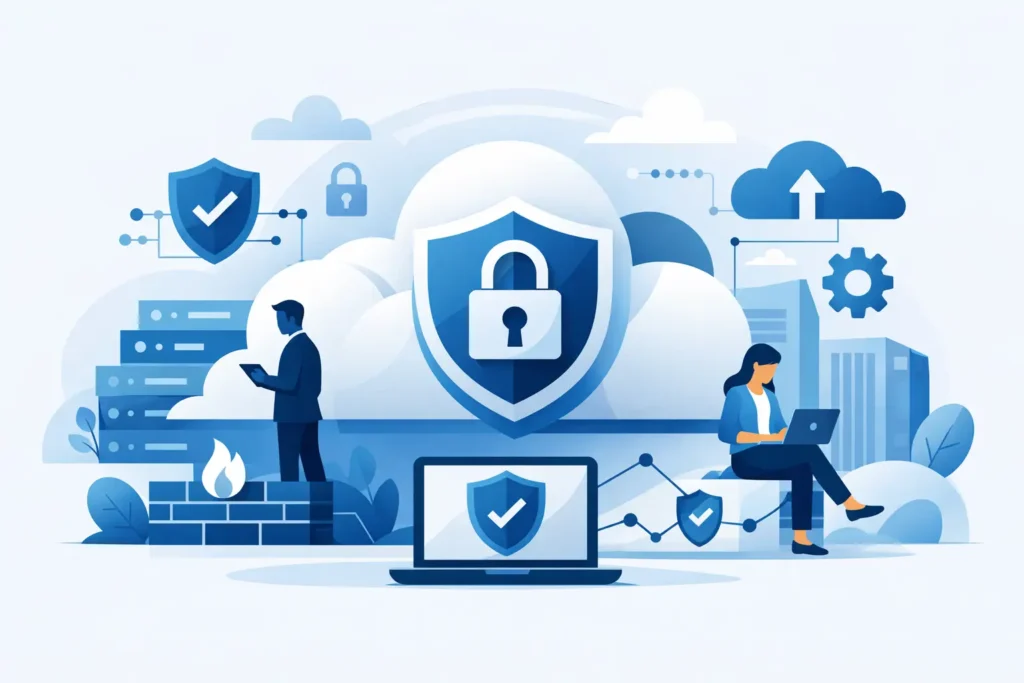
A finance manager signs in from home, a sales team shares proposals from mobile devices, and a server backup completes in another region overnight. Cloud services make this level of access possible, but every connection, account, and shared file creates a decision point for cloud security. The goal is not to make work harder. It is to protect the systems people depend on while keeping the business responsive, available, and ready to grow.
For businesses, property operators, and homeowners using connected systems, the cloud is no longer a separate IT project. It supports email, files, customer platforms, cameras, smart automation, backups, communications, and line-of-business applications. A security weakness in one account can disrupt far more than a single device.
What Cloud Security Actually Protects
Cloud security is the combination of policies, technical controls, monitoring, and support used to protect cloud-hosted data, applications, identities, and infrastructure. It addresses who can access systems, what they can do after access is granted, and how the environment responds when activity appears unusual.
Many organizations assume that choosing a well-known cloud provider transfers all security responsibility to that provider. That is only partly true. The provider protects the underlying facilities and core cloud platform. The customer remains responsible for account permissions, data handling, device security, application settings, and the way cloud services are connected to the wider network.
This shared responsibility model is where many avoidable risks begin. A cloud platform may have strong built-in protections, yet a publicly shared file folder, an exposed management portal, or a reused password can still create an opening for an attacker. Effective protection depends on configuring those services properly and reviewing them as the business changes.
For a smart office or connected residence, the scope can be wider still. Video systems, access control, automation hubs, Wi-Fi networks, and mobile control apps may all rely on cloud connectivity. These systems should be treated as part of the security environment, not as isolated convenience features.
The Risks That Cause Operational Disruption
Cybersecurity conversations often focus on data theft, but interruption can be just as costly. If employees cannot access email, business applications, shared documents, or voice services, customer service slows immediately. Recovery also consumes management time, technical resources, and client confidence.
Account compromise remains one of the most common cloud risks. Attackers use phishing emails, stolen credentials, weak passwords, or fraudulent support requests to gain access. Once inside, they may create forwarding rules to monitor email, reset passwords for other services, or send convincing messages from a trusted account.
Misconfiguration is another major concern. Cloud platforms offer detailed settings for storage, networking, access, logging, and encryption. Flexibility is valuable, but it can leave sensitive data exposed when settings are applied without a clear security design or routine review.
Ransomware has also changed how organizations evaluate the cloud. Synchronizing files to cloud storage can improve availability, but it does not automatically create a recoverable backup. If encrypted or deleted files synchronize across the environment, the damage may spread quickly. Versioning, isolated backups, and tested restoration procedures are essential.
Cloud Security Starts With Identity
The most effective first line of defense is identity management. Every user, administrator, service account, and connected application should have access based on a legitimate operational need. A receptionist does not need server administration rights, and a temporary contractor should not retain access after the project ends.
Multi-factor authentication should be standard for email, cloud administration, remote access, finance platforms, and any system that holds sensitive information. A password alone is too easy to steal, guess, reuse, or capture through phishing. Requiring a second verification factor significantly reduces the value of compromised credentials.
Least-privilege access adds another layer of control. Users receive only the permissions necessary for their role, while elevated privileges are limited to designated administrators and used only when needed. This reduces the impact of both honest mistakes and account compromise.
It also helps to separate personal and administrative accounts. An IT administrator should not browse email or access everyday documents using an account with the power to change critical cloud settings. This small operational discipline limits exposure and makes activity easier to audit.
Build Cloud Security Around Practical Controls
Strong security is not one product. It is a coordinated set of controls that work across people, devices, networks, and cloud services. The right design depends on the organization’s size, regulatory duties, data sensitivity, and tolerance for downtime, but several controls should be considered foundational:
- Multi-factor authentication and centralized identity management for all critical accounts.
- Role-based access controls, regular permission reviews, and prompt removal of departing users.
- Encryption for data in transit and at rest, with secure management of encryption keys.
- Endpoint protection and device management for laptops, mobile devices, and workstations accessing cloud resources.
- Secure backups with retention policies, separated recovery copies, and scheduled restoration testing.
- Continuous logging, alerting, and monitoring to identify unusual access, data movement, or configuration changes.
These controls must be aligned rather than installed in isolation. For example, multi-factor authentication will reduce unauthorized logins, but it cannot prevent an employee from sharing confidential files with the wrong external recipient. Data classification, sharing policies, and user awareness are needed alongside identity controls.
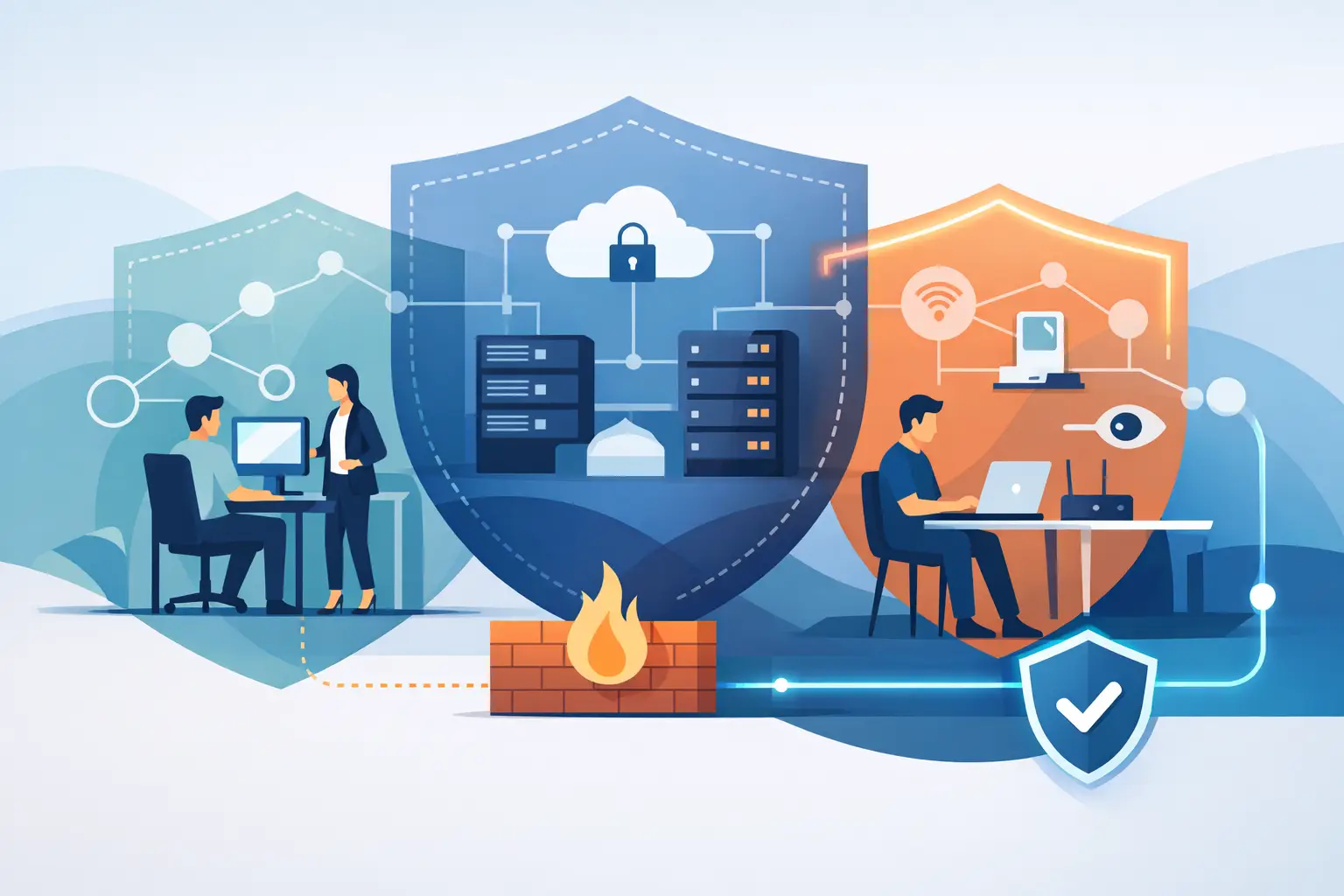
Network design matters as well. Secure Wi-Fi, segmented networks, managed firewalls, and protected remote access help limit the path between a compromised device and valuable cloud-connected systems. In offices with guest Wi-Fi, IP telephony, IoT devices, and staff workstations, segmentation prevents every connected device from having the same level of access.
Monitoring Turns Security Into a Continuous Service
Cloud environments change constantly. New employees join, applications are added, teams create shared workspaces, and vendors request access. A configuration that was appropriate six months ago may no longer match current operations.
That is why cloud security needs regular monitoring, not a one-time setup. Security logs can show unsuccessful login attempts, sign-ins from unusual locations, unexpected changes to administrator roles, large file downloads, and new connections between applications. These signals do not always indicate an attack, but they provide the visibility needed to investigate before a minor issue becomes a business interruption.
Monitoring is most effective when it is paired with a response process. Someone must be accountable for reviewing alerts, confirming whether activity is legitimate, isolating affected accounts or devices, and restoring service where necessary. For organizations without an internal security team, managed monitoring and responsive technical support provide a practical way to maintain that coverage.
INSOURCE UAE applies this service-led approach by connecting cloud protection with the wider technology environment, including networks, endpoints, communications, and ongoing infrastructure support. This helps avoid the common gap where a cloud service is protected on paper but the devices and connections used to reach it are not.
Backup and Recovery Must Be Proven, Not Assumed
A backup strategy should answer a straightforward question: if a critical system becomes unavailable at 9:00 a.m., how quickly can the business return to normal operation? The answer should be based on testing, not confidence in a dashboard showing that a backup job completed.
Recovery planning should identify the systems that matter most, the acceptable amount of data loss, and the maximum downtime each system can tolerate. Email may need rapid restoration, while archived records may have a longer recovery window. A property management operation may prioritize access systems, cameras, communications, and tenant records differently than a professional services firm prioritizes client files and project platforms.
Keep recovery copies separate from daily working systems where possible. Use retention periods that account for delayed discovery of an incident, and test restoring individual files as well as full services. A backup that cannot be restored quickly and accurately is not a dependable recovery plan.
Make People Part of the Defense
Technology controls reduce risk, but staff behavior remains a significant factor. Training should be practical and relevant: how to identify a suspicious login page, verify a payment change request, report a lost device, and handle shared links safely. People are more likely to follow security procedures when they understand how those procedures protect their work and customers.
Clear policies are equally useful for homeowners and property teams managing smart systems. Change default passwords, remove access for former staff or contractors, keep apps and devices updated, and avoid placing every connected device on the same network. Convenience should not mean unrestricted access.
The best cloud environment is one that supports daily work without relying on luck. Start by understanding where data lives, who can reach it, and what happens when a user account or device is compromised. Then build controls, monitoring, and recovery around the systems that keep your organization moving. Security becomes more manageable when it is treated as a continuous operational responsibility rather than an emergency response.