
A finance manager approving payments from home, a sales team connecting from a hotel, and an engineer supporting a site after hours may all need access to the same business systems. That access keeps work moving, but it also creates a direct path to sensitive data if it is not designed and monitored carefully. This secure remote access guide sets out the practical controls that help UAE businesses give authorized people the access they need without exposing the wider network.
Remote access is not a single product. It is a combination of identity controls, protected devices, well-defined permissions, encrypted connections, and active monitoring. The right approach depends on your applications, workforce, compliance requirements, and tolerance for downtime. A small office using cloud accounting software has different needs from a multi-site business with local servers, IP telephony, and sensitive client records. The principle is the same: verify every connection and limit what each connection can reach.
What Secure Remote Access Must Protect
A remote connection should protect more than the data moving between a user and a server. It must also protect the identity making the request, the device being used, and the systems available after sign-in. If one of those elements is weak, a secure-looking login page can still become an entry point for attackers.
Start by identifying the resources employees, contractors, and service providers actually need. This may include cloud applications, shared files, customer records, internal line-of-business software, servers, or a phone system management portal. Avoid giving every user broad access to the entire network simply because they work remotely. Access should be based on role, task, and business need.
For example, a project manager may need a document platform and a CRM system but not server administration tools. A third-party maintenance provider may require temporary access to a single management interface during an agreed service window. These distinctions reduce the impact if an account is compromised.
The same thinking applies to residential environments. Homeowners with smart automation, CCTV, access control, and connected devices should avoid using one shared password or opening remote access to every device. Separate user accounts, strong authentication, and secure remote management protect both privacy and property control.
Build Secure Remote Access Around Identity
Passwords alone are no longer sufficient protection for business access. Stolen credentials are commonly used in phishing attacks, password reuse incidents, and unauthorized account takeovers. Multi-factor authentication, or MFA, adds a second verification step such as an authenticator app, security key, or approved sign-in prompt.
MFA should be required for email, cloud platforms, VPN access, remote desktop tools, administrator accounts, and any application that stores sensitive information. Prioritize administrator accounts first. Their permissions can affect many users, systems, and security settings at once.
Use named accounts rather than shared credentials. Named accounts create accountability and make access easier to remove when a staff member changes roles or leaves the business. They also make audit records meaningful. If five people use one shared login, there is no reliable way to confirm who accessed a file or changed a configuration.
Strong password policies still matter, but they should be practical. Encourage long, unique passphrases and password managers rather than frequent forced changes that lead users to predictable variations. Where available, use single sign-on to centralize authentication and reduce the number of passwords employees manage.
Choose the Right Connection Method
A virtual private network, or VPN, remains a useful option when staff need to access resources hosted inside an office or data center. A properly configured VPN encrypts traffic between an approved device and the business network. However, a VPN can grant more network visibility than a user needs if it is configured too broadly.
For organizations moving applications to the cloud, identity-based access controls can often be more suitable. Users authenticate directly to a protected application rather than connecting to the full internal network. This approach can reduce exposure, particularly when paired with device checks and MFA.
Remote desktop access requires particular care. It should never be exposed directly to the public internet. Place it behind a VPN, secure access gateway, or other controlled entry point, require MFA, and restrict it to authorized users and devices. Disable access when it is not needed, especially for temporary accounts.
There is no universal winner between VPN-based access, cloud application access, and secure remote desktop. Many businesses use all three. The design should follow the systems you operate, the sensitivity of the information involved, and the support model your team can sustain.
Secure the Device, Not Just the Login
An authenticated user can still create risk if they sign in from an unpatched laptop, a device shared with family members, or a phone infected with malware. Establish clear rules for which devices may access company information and what security standard they must meet.
Business-managed devices should use full-disk encryption, endpoint protection, automatic operating system updates, screen locks, and centrally managed settings. Mobile device management can enforce these requirements and allow company information to be removed from a lost or retired device without erasing personal data unnecessarily.
Bring-your-own-device policies can work, especially for smaller organizations, but they involve trade-offs. They reduce hardware costs and may be convenient for employees, yet the business has less control over patching, storage, and personal application risk. If personal devices are permitted, use separate work profiles or managed applications, restrict downloads where appropriate, and define what happens when employment ends.
For high-risk roles, consider device compliance checks before access is granted. A connection can be blocked if the operating system is outdated, antivirus protection is inactive, or disk encryption is disabled. This prevents a known weak device from reaching critical resources.
Segment Your Network and Limit Permissions
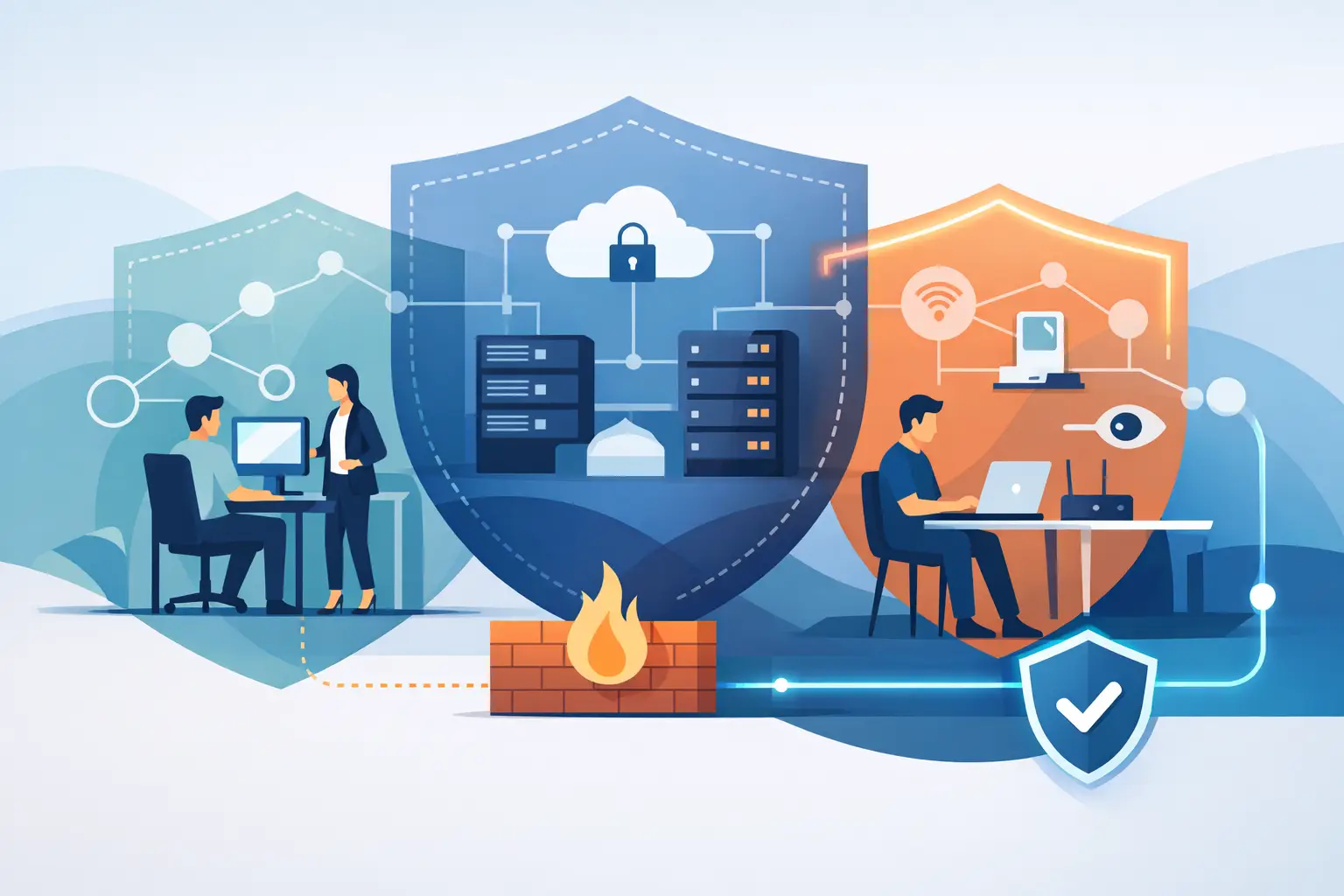
A remote user should not land on a flat network where every workstation, printer, server, camera, and smart device is visible. Network segmentation separates systems into controlled zones. Staff devices, guest Wi-Fi, servers, IP cameras, building automation, and Internet of Things devices should not all share the same unrestricted environment.
Segmentation is especially valuable in offices and villas with integrated technology. A compromised guest device should not be able to reach an access control system, CCTV recorder, or business file server. Firewalls and access rules should allow only the traffic required for a legitimate service to operate.
Apply the principle of least privilege to applications as well. Review who has administrator rights, who can export data, and who can access financial or personal information. Permissions tend to expand over time as teams solve immediate problems. A scheduled review helps remove access that is no longer justified.
Monitor, Test, and Prepare for Failure
Secure remote access is an ongoing operational responsibility, not a setup task completed once. Monitor sign-in activity, failed login attempts, unusual locations, changes to privileged accounts, and new device registrations. Alerts should be meaningful and routed to someone who can investigate them promptly.
Logging also supports incident response. If an account is suspected of compromise, your team should be able to disable access, revoke active sessions, reset credentials, and determine which systems were reached. A tested response process saves valuable time when a real incident occurs.
Regular vulnerability assessments and patch management are equally important. Internet-facing firewalls, VPN appliances, remote access gateways, servers, and wireless controllers should be kept current. These systems are common targets because they sit at the edge of the network.
Do not overlook backup and recovery. Remote access protects entry points, but it cannot guarantee that users will never make mistakes or that ransomware will never reach an endpoint. Maintain protected backups, test restoration procedures, and keep recovery responsibilities clear. Business continuity depends on being able to restore operations, not merely on detecting an attack.
Make Employees Part of the Security Design
The most carefully configured platform can be undermined by a convincing phishing email or an employee who approves an unexpected MFA prompt. Security awareness should be specific, short, and repeated. Show employees how to recognize fake sign-in pages, suspicious file-sharing requests, unusual phone calls, and MFA fatigue attacks.
Give people an easy way to report concerns without fear of blame. A fast report of a mistaken click is far more useful than a delayed report after an attacker has had time to move through systems. Clear procedures for lost devices, staff departures, and emergency access requests also prevent rushed decisions from becoming security gaps.
For organizations that need a single accountable technology partner, INSOURCE UAE can align secure remote access with managed networks, cloud infrastructure, cybersecurity controls, endpoint protection, and 24/7 support. The goal is not to add complexity. It is to make secure work practical, visible, and sustainable.
The best next step is to review one real remote-work scenario from start to finish: who connects, from which device, to what system, with what permissions, and how that activity is monitored. That exercise often reveals the most valuable improvement before a security incident does.